Do this now
Follow these steps in order.
- 01
Read the name on the card or wallet screen and identify whether it is regular Suica, PASMO, Welcome Suica, Welcome Suica Mobile, Mobile Suica or Mobile PASMO.
- 02
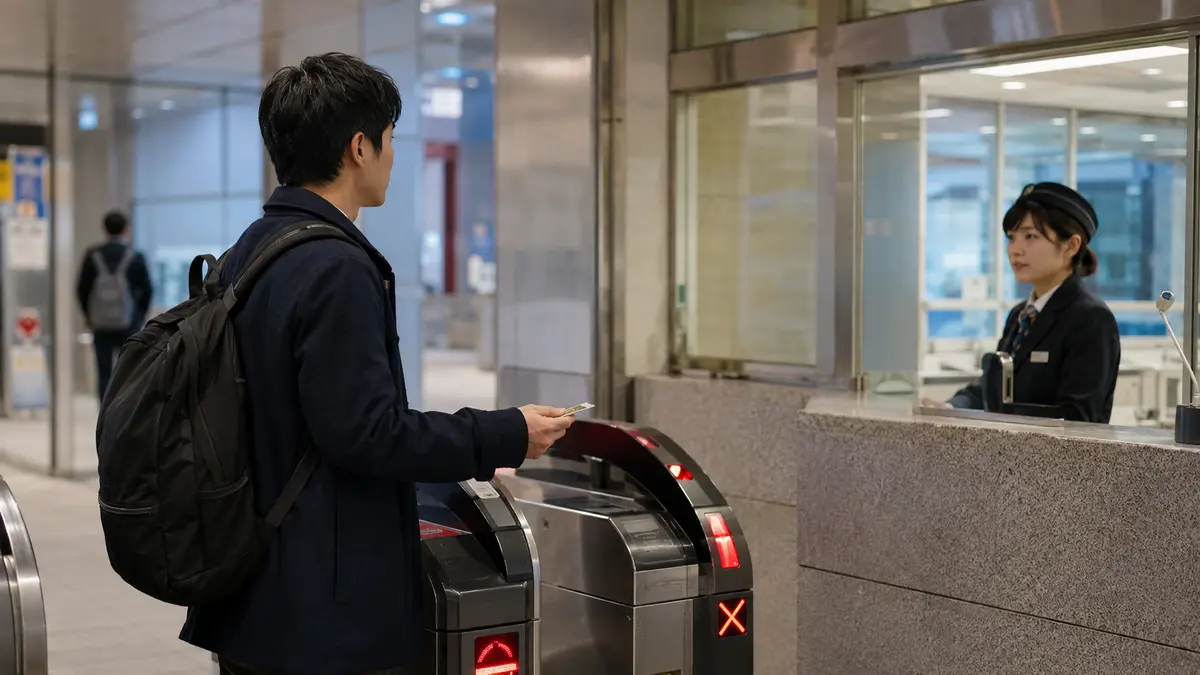
For a physical Suica, check the issuer printed on the back. Take a JR East-issued Suica to a JR East station that handles Suica refunds; take another issuer's card to that issuer.
- 03
For a physical PASMO, use a participating PASMO railway or bus operator counter. Do not join a JR East queue simply because the station accepts PASMO for travel.
- 04
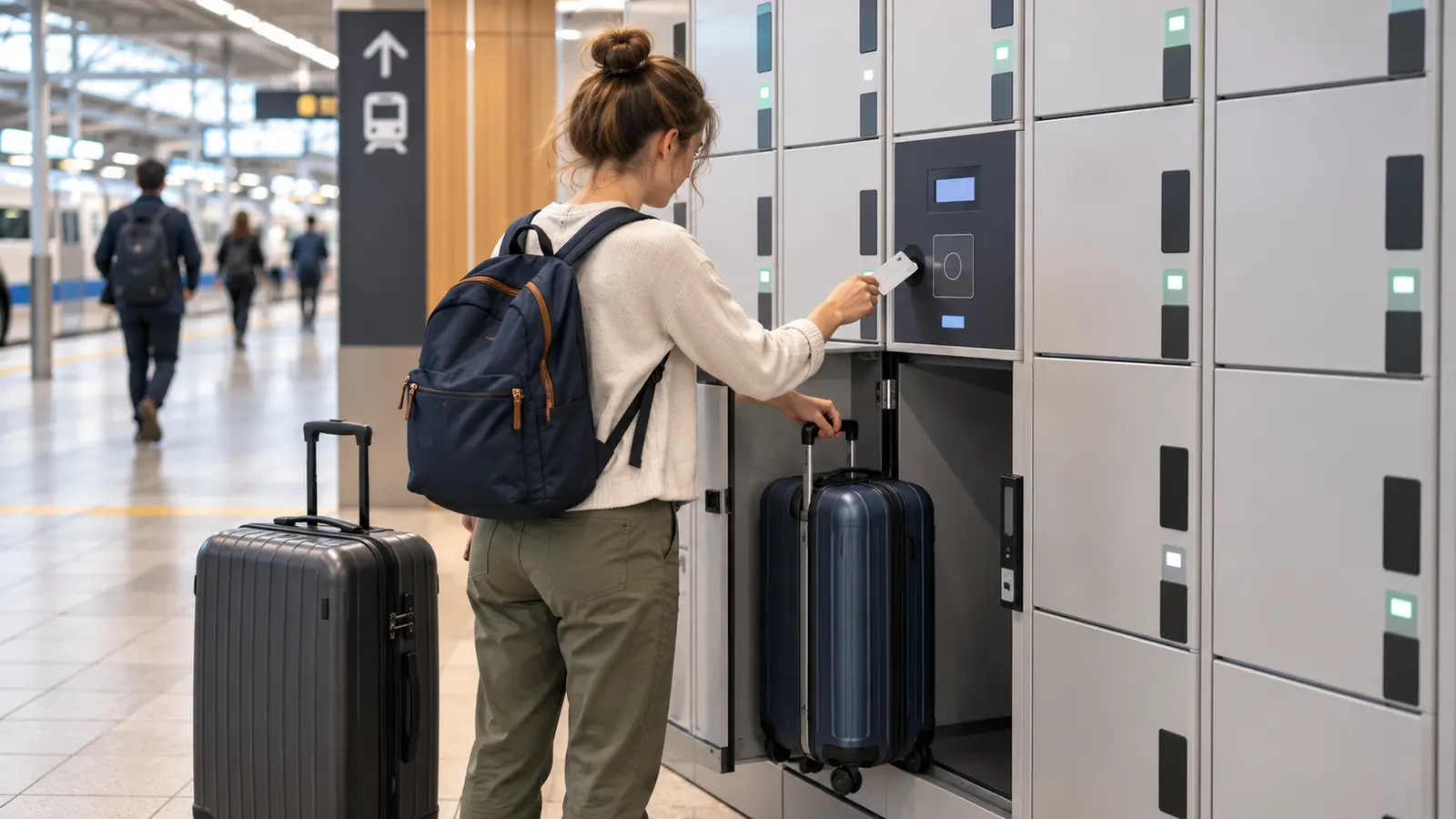
Complete the final journey first, collect anything stored in a locker opened with that card and keep another payment method ready for the airport or onward trip.
- 05
Bring official identification for a named PASMO. The registered name must be verified before the operator can accept the refund request.
- 06
Expect the card to be collected or deactivated. Confirm the balance and refund calculation before completing the request because a PASMO refund cannot be cancelled afterward.
- 07
If the product is Welcome Suica or Welcome Suica Mobile, spend the remaining value before expiry; ordinary balance refunds are not available and there is no ¥500 deposit to recover.
- 08
If the card is mobile, check the issuer's current member and Japanese-bank-account requirements before starting. If those requirements are impractical, use the balance for eligible transport or purchases instead.
What to know
Identify the exact card and issuer before queueing
The word Suica does not by itself identify the refund counter. JR East states that only a Suica issued by JR East can be returned at a JR East station. A Suica issued by another company, such as Tokyo Monorail, must be returned to the issuing company. Acceptance at a gate or shop does not mean that location can refund the card.
PASMO follows its own network. Tokyo Metro's official visitor FAQ says a PASMO should be refunded at a PASMO retailer and cannot be refunded at a JR East station, including JR East's Narita Airport stations. At a shared station, follow the operator name on the counter rather than the station name alone.
The product type matters just as much as the issuer. Regular physical Suica and PASMO carry a deposit; Welcome Suica and Welcome Suica Mobile do not. A card in a phone uses a separate account-based procedure rather than the physical-card counter calculation.
What to know
Regular physical Suica: calculate the refund before you go
JR East's current formula is remaining stored value minus a ¥220 handling fee, plus the ¥500 card deposit. The handling fee cannot exceed the remaining stored value. JR East's examples show that a ¥1,000 balance returns ¥1,280, a ¥100 balance returns ¥500 and a zero balance also returns ¥500.
This means spending the stored value down to zero before returning the card can avoid losing up to ¥220 from that value. Do not spend below what is needed for the final journey, and remember that the ¥500 is a return of the original deposit rather than a bonus.
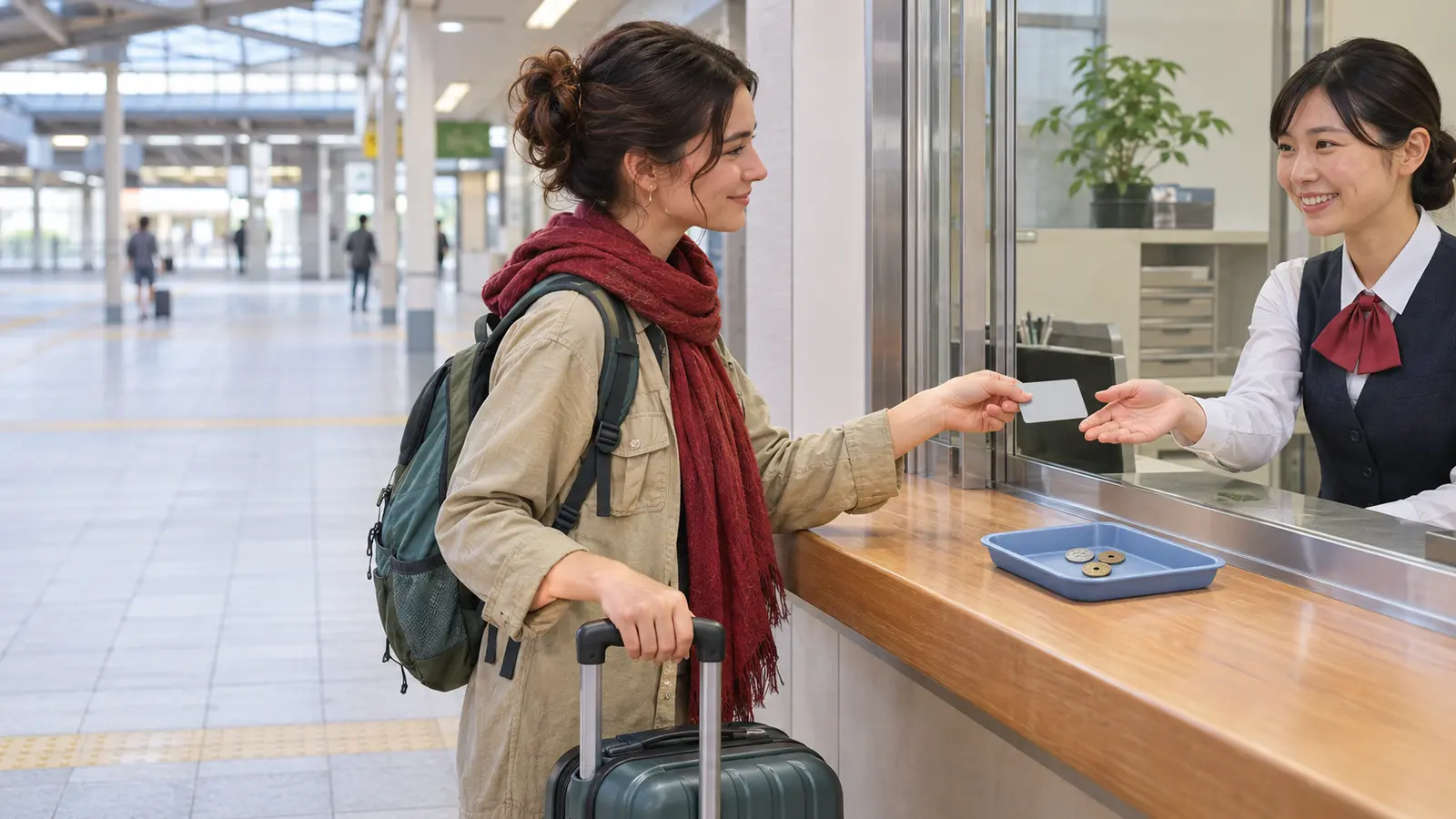
Bring the physical card to a JR East ticket office or other JR East location that actually handles Suica returns. Counter availability and opening hours vary, so check the intended station rather than relying on an airport stop at the last minute.
What to know
Physical PASMO: the fee is similar, but the counter and ID rule differ
PASMO's official rules also use a ¥500 deposit. The operator deducts ¥220 from the stored value, or the whole stored value when it is below ¥220, then returns the deposit. PASMO states that stored value alone cannot be refunded while keeping the same card; the card is collected when the contract ends.
An unregistered bearer PASMO can be returned without the named-card identity check. A named PASMO requires the application information and an official identity document. If the name cannot be verified, the operator may refuse the procedure.
Not every station or bus sales counter performs refunds. PASMO's official procedure page warns that some locations do not handle them, so use the relevant railway or bus operator's current counter information before travelling there. Once a PASMO refund is completed, PASMO says the request cannot be cancelled or the card restored.
What to know
Welcome Suica balances are not refundable
Welcome Suica is designed for visitors without a deposit. JR East states that the remaining balance cannot be refunded regardless of the reason or whether the card is still valid. Welcome Suica Mobile likewise has no deposit and no ordinary balance refund. Plan top-ups conservatively and spend the balance before the product expires.
A malfunctioning physical Welcome Suica has a narrow special process, not a general balance refund. JR East says the 17-digit card number must still be readable, an application must be made, and the traveler receives a refund certificate. The faulty card and certificate are then required at a JR EAST Travel Service Center or JR Ticket Office in the Suica area, from the following day until 14 days after expiry.
That malfunction exception does not turn unused value into a voluntary departure refund. A lost Welcome Suica is not reissued, so keep the card and its number secure until the balance is used.
What to know
Mobile Suica and Mobile PASMO are poor last-minute refund options for many visitors
Mobile Suica's official FAQ applies a ¥220 refund fee and sends the money to a financial institution account in Japan. It says the process can take roughly two weeks to one month and is available in the app from 05:00 to 23:45. Apple Pay Suica's official English FAQ likewise describes remittance to a bank account in Japan and advises using up the balance when that route is not practical.
Mobile PASMO and PASMO on Apple Pay have no physical-card deposit. PASMO's rules require the account holder to complete the prescribed withdrawal procedure, and a stored-value refund is remitted to a bank account in Japan after the applicable fee. The exact in-app path depends on the product and registration state.
A short-term visitor without an eligible Japanese bank account should not count on receiving a mobile balance at an airport counter. Use the remaining value for supported transport or purchases before leaving, while keeping enough for the final trip.
What to know
A safer airport-day sequence
Use the card for the last rail or bus journey before requesting a refund. If an IC card was used as the key for a station locker, collect the bag first; surrendering the card can remove the credential needed to reopen that locker.
Allow time for a staffed counter and verify that the counter belongs to the correct issuer. A JR East counter cannot refund PASMO merely because both cards work at the same gates. Keep cash or a payment card for the airport because the refunded card will no longer be available for another trip or purchase.
Check the current operator page and station hours on the day of travel. This guide was checked on November 9, 2026 against JR East, PASMO and Tokyo Metro official rules; counter locations, app screens and operating hours can change.
If that does not work
Use the fallback.
- The counter says the Suica was issued by another company: use the issuer printed on the card and go to that company's refund counter.
- A JR East counter refuses PASMO: find a participating PASMO railway or bus operator; JR East is not the PASMO refund operator.
- The balance is ¥220 or less: expect the stored value to be consumed by the handling fee and only the ¥500 physical-card deposit to be returned.
- A named PASMO cannot be verified: return with official identification matching the registered information or ask the issuing operator what proof it accepts.
- The station does not handle refunds: check the operator's current station or sales-counter list and keep the card until an eligible counter is open.
- The card is Welcome Suica or Welcome Suica Mobile: spend the balance before expiry; there is no ordinary refund or deposit return.
- The mobile product requires a Japanese bank account you do not have: stop the withdrawal attempt and spend the balance on eligible transport or purchases.
- Departure is too close for a counter visit: keep the regular physical card for a future trip within its validity conditions, or accept that the remaining value and deposit cannot be recovered today.
Before you need it
Save this offline.
- Photo of the card front and back without sharing it publicly
- Issuer name and exact product name
- Estimated stored-value balance
- Official ID for a named PASMO
- Final journey and airport route
- Locker location if the card was used as a key
- Correct operator counter and opening hours
- Cash or another payment method after surrendering the card
Frequently asked questions
Refund Suica or PASMO in Japan: Balance, Deposit and Airport Plan FAQ
Can I refund Suica at any station that accepts Suica?
No. JR East refunds only JR East-issued Suica at eligible JR East locations. A card issued by another company must be returned to that issuer. Acceptance for travel or shopping does not prove refund authority.
How much do I get back from a regular physical Suica?
JR East returns the remaining stored value minus up to ¥220, plus the ¥500 deposit. Its examples return ¥1,280 from a ¥1,000 balance and ¥500 when the balance is ¥100 or zero.
Can JR East refund my PASMO at Narita Airport?
No. Tokyo Metro's official FAQ says PASMO cannot be refunded at JR East stations, including JR East stations at Narita Airport. Use a participating PASMO operator.
Do I need identification to refund PASMO?
A named PASMO requires official identification matching the registered information. An unregistered bearer PASMO does not use that named-card identity check.
Can I keep the card and refund only its balance?
Not under the normal physical-card return process. The contract ends and the card is collected. Spend the balance instead if you want to keep using the card.
Can I refund the balance on Welcome Suica?
No ordinary refund is available, and there is no ¥500 deposit. A narrow procedure exists for a malfunctioning physical card when its number is readable, but it is not a voluntary unused-balance refund.
Can a visitor refund Mobile Suica or Mobile PASMO in cash at a station?
Do not rely on that. The official mobile procedures use app or account withdrawal and remittance to a bank account in Japan, with registration and fee conditions. Spending the balance is usually simpler for a short-term visitor.
Should I refund the card before my final train to the airport?
Usually no. Complete the last journey and collect any IC-card locker first, then use the correct operator's refund counter if time and location allow. Keep another payment method for anything afterward.
Primary evidence
Official sources used
Open these pages again before travel. External links lead to the responsible Japanese authority or transport organization.