Do this now
Follow these steps in order.
- 01
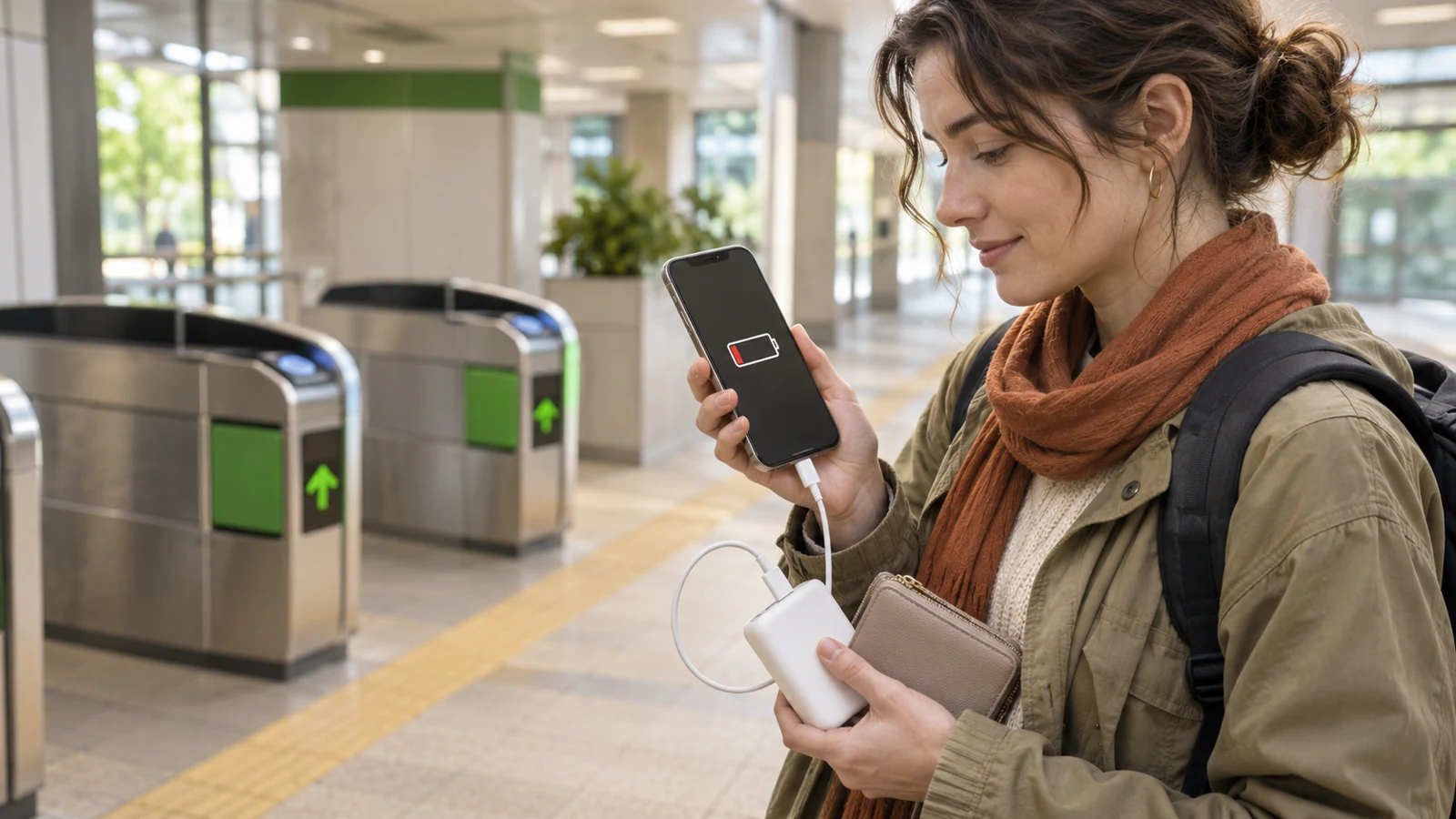
Before the first gate, charge the phone and open its wallet settings to confirm that the intended Suica, PASMO or other card is selected for Express Transit or the Android equivalent.
- 02
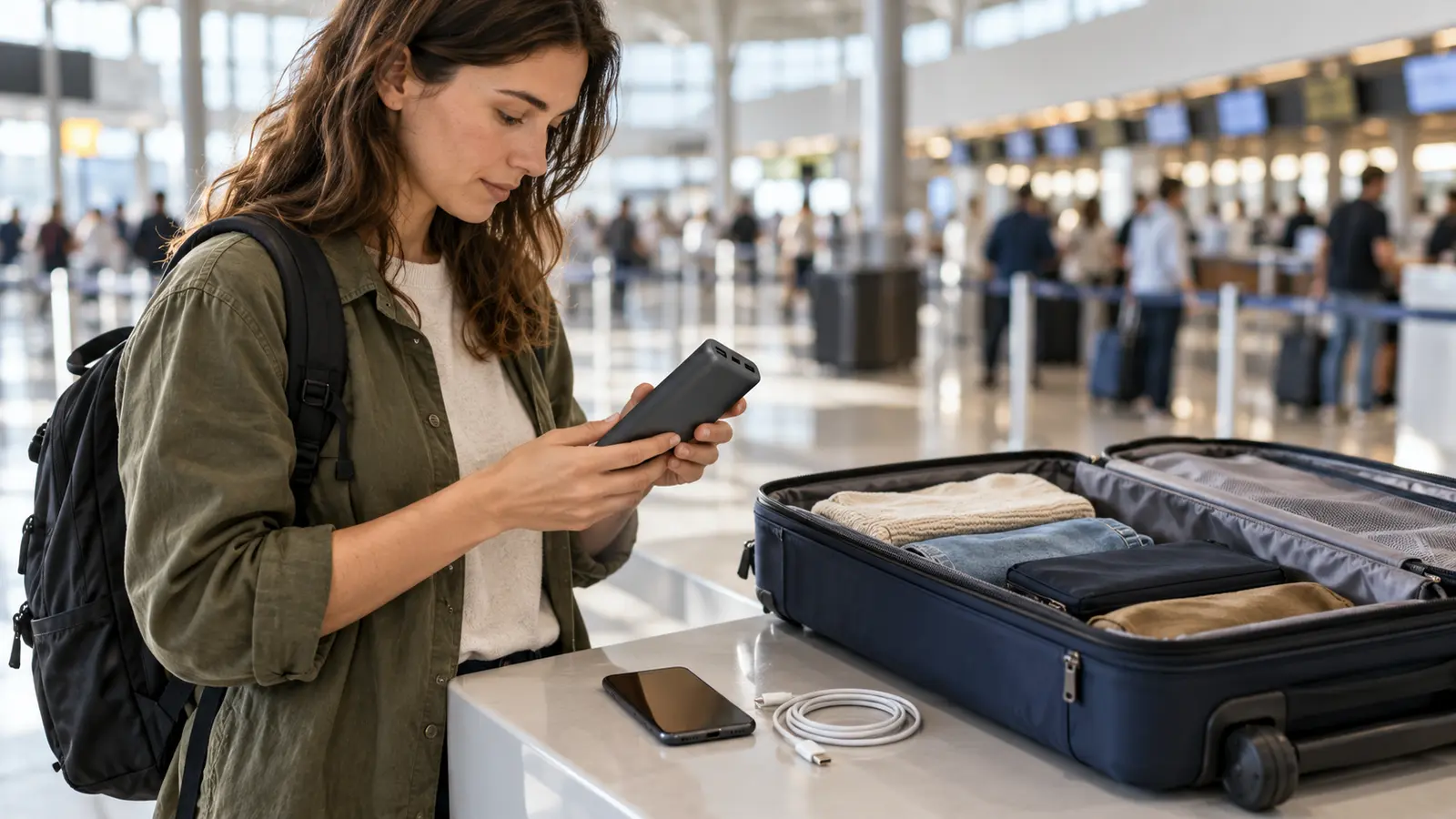
Carry a charged cable or power bank and enough cash for an emergency fare. Keep the power bank in carry-on baggage when flying, subject to airline battery rules.
- 03
If an iPhone is critically low and you rely on Express Transit, do not switch it off manually. Apple's reserve is for an automatic low-power shutdown on supported models, not a user-initiated shutdown.
- 04
Use the same device and the same transit card to enter and exit. A phone, watch and physical card are separate credentials even when they belong to the same person.
- 05
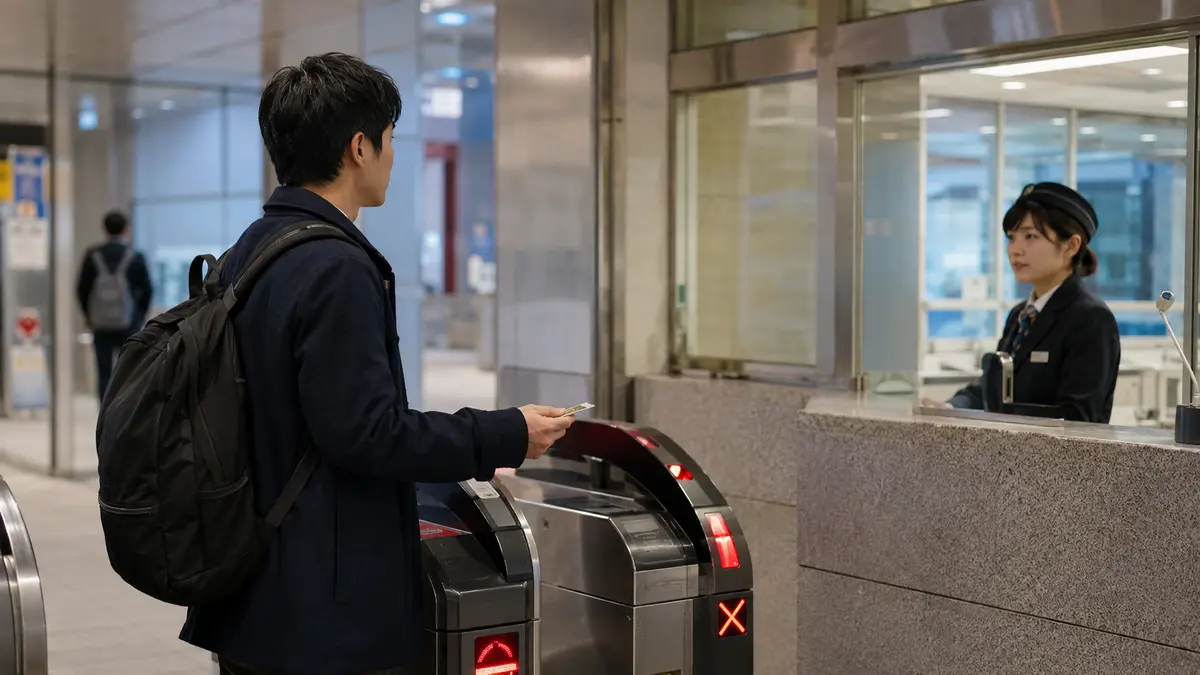
If the device stops working after entry, do not force the gate and do not tap a backup card. Go to the staffed gate and state the entry station and route.
- 06
Follow that operator's settlement instruction. For Mobile Suica, JR East says to pay the fare from the entry station in cash when the device cannot be used.
- 07
Recharge and power on the original device. If it still contains an unfinished entry record, show it to station staff so they can clear the record before the next journey.
- 08
If the problem concerns a Shinkansen or reserved service, show staff the reservation details as well as the mobile card; do not buy or tap a second journey until staff identifies the correct recovery path.
What to know
Power reserve is an exception, not a guarantee
Apple says supported iPhones may still perform an Express Card transaction when iOS is not running because the phone needs charging. Pressing the side button can show that Express Cards remain available. The transit card must already be designated for Express Transit; an ordinary card in Wallet is not automatically covered by this exception.
The condition matters. Apple states that Express Cards with power reserve are not available after a standard user-initiated shutdown. JR East's Welcome Suica Mobile FAQ gives a practical upper limit of up to five hours after an iPhone automatically powers down for lack of charge, but that is not a promise that every device, battery condition or gate will provide the full five hours.
Treat reserve power as a short emergency margin. It cannot display a route, reservation, balance or help message, and a damaged device can fail even when battery reserve remains. Charge before travel rather than planning a journey around the reserve.
What to know
iPhone, Apple Watch and Android do not share one rule
On iPhone, Express Mode lets the selected transit card be presented without unlocking the phone, opening an app or having a network connection. Power reserve is a separate supported-device feature that may keep that Express Card available after automatic low-battery shutdown.
Welcome Suica Mobile states that Apple Watch has no backup power function. A card on the watch is also not the same gate credential as a card on the paired iPhone, so moving from the watch to the phone mid-journey does not reproduce the entry record.
JR East says some Android devices can use Mobile Suica for a while after reaching a charging-required state, but availability depends on the handset and should be confirmed with the manufacturer. If the Android device was manually powered off or its battery is fully exhausted, Suica cannot be used. Do not copy an iPhone five-hour figure to Android.
What to know
If the phone dies between entry and exit
An automatic gate needs the same usable IC credential that recorded entry. Tapping a physical card, another phone or a watch can create a separate transaction; it does not transfer the original mobile entry record. Stop at the staffed gate and explain that the device used for entry is unavailable.
For Mobile Suica, JR East's official FAQ says a traveler whose device powers off before exit should tell station staff and pay the fare from the entry station in cash. After the device is charged and powered on, the traveler should return to station staff to have the remaining entry information cleared. JR East also says there is no reimbursement for the separately paid fare.
If you can recharge and power on the phone before leaving, the original entry information remains and the normal gate may work. Ask staff first when the screen, wallet or reader still behaves unexpectedly. Other railways can use their own settlement process, so the staff at the station where the problem occurs is the decision maker.
What to know
Do not mix devices or cards during one journey
Google Wallet's transit guidance says to use the same device and payment method for both entry and exit, and it treats a phone and a watch as different devices. The same practical rule applies to avoiding unmatched records with Japanese transit IC cards.
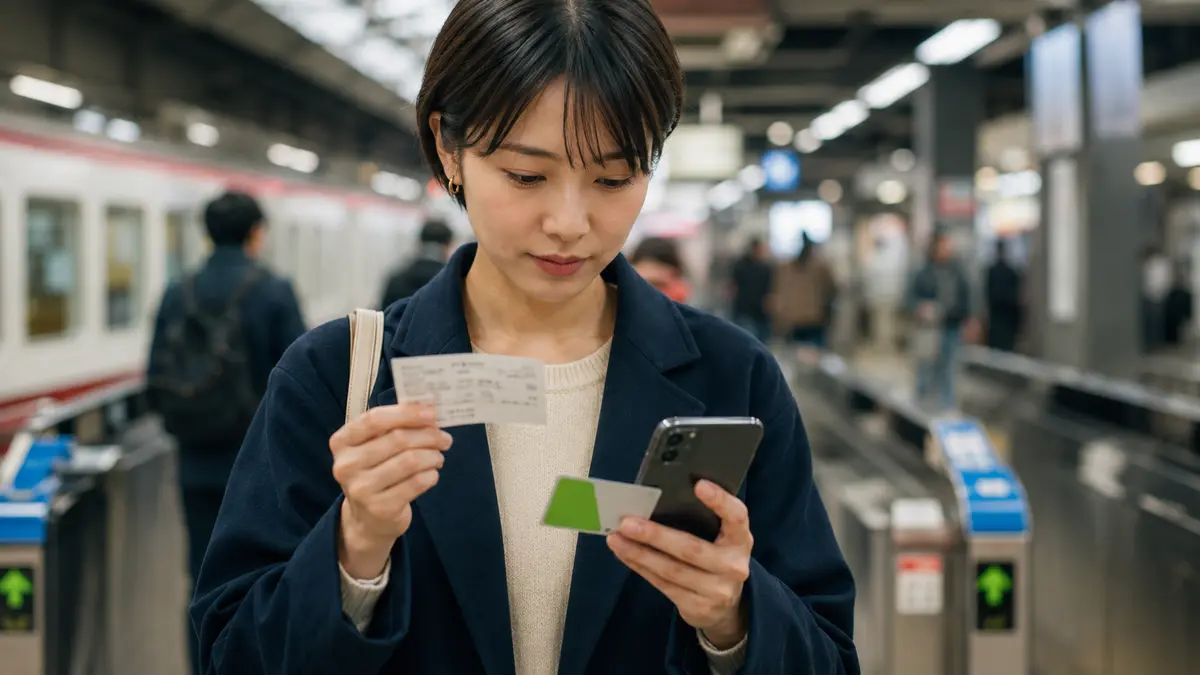
A physical Suica or PASMO is a useful backup for a future journey, but not a substitute at the exit gate for a mobile card already used to enter. Let staff close or correct the original journey before starting a new one.
When a Shinkansen reservation is linked to an IC card, the registered card or device is also part of the boarding credential. Keep the reservation number, train and seat details available offline and ask Shinkansen gate staff for the official pickup, QR or ticket procedure that applies to that booking.
What to know
Prepare a two-part backup before travel
The first backup is power: a compatible cable, a charged power bank and a plan for where to recharge. The second is payment: cash or another accepted method for an emergency fare. A backup physical IC card can help on the next trip, but it does not settle a journey that began on the phone.
Save the wallet card name, the last four digits or identifying details shown by the app, your reservation confirmation and this guide offline. Do not screenshot a scannable QR code unless the operator explicitly permits it, and protect any saved booking information as personal data.
Before a long rail day, confirm the selected Express Transit card, battery health and power-bank charge. A low-power phone can also remove access to maps, hotel details and translation, so the risk is wider than the ticket gate.
What to know
Checked November 8, 2026 — recheck your device and operator
This guide was checked on November 8, 2026 against Apple, JR East, PASMO and Google official pages. The iPhone reserve conditions, Welcome Suica Mobile five-hour statement, Apple Watch limitation, Android device dependence and Mobile Suica exit-recovery instruction were current on that date.
Phone models, operating systems, wallet settings and railway procedures can change. Recheck the device maker, card issuer and railway before relying on power reserve, especially after replacing a phone, moving a card, changing the device passcode or updating the operating system.
No specific fare is quoted because the emergency payment depends on the entry station, route and operator. Station staff must calculate the amount and correct the travel record.
If that does not work
Use the fallback.
- The side button does not show that Express Cards are available: assume the iPhone cannot be used, go to staff and recharge it.
- The iPhone was switched off manually: power reserve is unavailable; turn it back on or use the staffed-gate recovery process.
- The Apple Watch battery is dead: do not expect a backup-power period; ask staff and use the original watch again only after it is charged.
- The Android phone is off or fully drained: do not assume reserve power; ask station staff and follow the handset maker's current guidance.
- You already tapped a different card: tell staff exactly which device or card was used at each gate so both records can be inspected.
- You cannot pay the emergency fare in cash: tell staff before leaving the gate area and ask which accepted payment or settlement option is available at that station.
- The recharged Mobile Suica still shows an unfinished journey: do not begin another trip; show the original device to station staff for record correction.
- A linked Shinkansen booking is involved: show the booking details to Shinkansen gate staff and use only the pickup, QR or replacement method they authorize.
Before you need it
Save this offline.
- Name of the mobile transit card and the device carrying it
- Entry station, approximate time and intended exit station
- Train, route and transfer details
- Reservation number, train and seat for any reserved service
- A charged cable and compliant power bank
- Emergency cash and a separate payment card
- Device-maker support page for power reserve
- Card issuer and railway help pages
Frequently asked questions
Phone Battery Dead in Japan? Mobile Suica Gate Recovery FAQ
Will Mobile Suica work when my iPhone battery is dead?
It may work for up to five hours after a supported iPhone automatically powers down for lack of charge if that Suica is selected as the Express Transit card. It will not work after a user-initiated shutdown, and damage or full depletion can still prevent use.
Should I turn off a low-battery iPhone to save power?
Not if you intend to rely on Express Card power reserve. Apple says reserve is unavailable after a standard manual shutdown. Recharge as soon as possible instead.
Does Apple Watch have the same five-hour reserve?
No. Welcome Suica Mobile states that Apple Watch has no backup power function. Ask station staff if the watch used for entry can no longer present the card.
Does Android Mobile Suica work after the battery warning?
Some devices may provide temporary reserve power, but JR East says the function depends on the handset and should be confirmed with its manufacturer. A manually powered-off or fully drained device cannot use Suica.
What if my phone dies after I enter the station?
Go to the staffed gate and explain where you entered. For Mobile Suica, JR East says to pay the fare from the entry station in cash, then return with the powered-on device so staff can clear the unfinished entry record.
Can I exit with a physical Suica after entering with Mobile Suica?
No. They are different credentials. Tapping the physical card can create another record instead of closing the mobile journey. Ask staff to settle the original entry.
Can I use my phone instead of the watch that I tapped to enter?
No. Transit systems treat the phone and watch as separate devices. Use the same device and card for entry and exit or ask station staff to correct the journey.
Will a dead phone cancel my Suica balance?
A dead battery does not itself spend or cancel the stored value, but the card may be unusable until the device is powered or recovered. An unfinished entry record can also block the next trip until staff clears it.
Primary evidence
Official sources used
Open these pages again before travel. External links lead to the responsible Japanese authority or transport organization.