Do this now
Follow these steps in order.
- 01
Identify the Shinkansen corridor first: Tokaido/Sanyo/Kyushu, or Tohoku/Hokkaido/Akita/Yamagata/Joetsu/Hokuriku.
- 02
Choose the product before choosing the gate method: SmartEX, JR East Shinkansen e-ticket, Touch de Go! Shinkansen, or ordinary paper tickets.
- 03
For a reserved product, confirm that the exact IC card number is linked to the correct traveler and journey; every passenger needs a separate card or other valid boarding credential.
- 04
Save the reservation details, pickup code or QR option and login information offline, then carry the payment card used for the booking when the service tells you it may be needed.
- 05
At the station, keep other contactless cards away from the reader, follow the transfer-gate order shown by the operator and collect any seat-information slip issued by the gate.
- 06
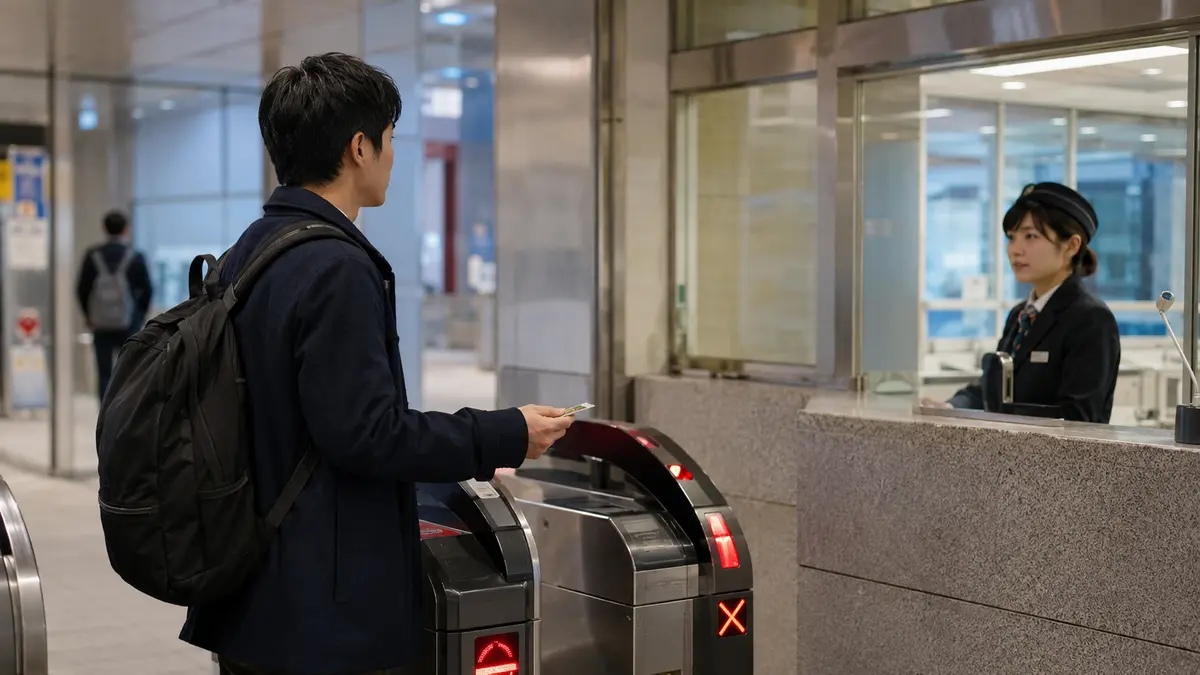
If the gate rejects the card, do not force entry or tap a different card at random; show staff the reservation, the designated IC card and the error message.
What to know
The IC card can be a key, a wallet or neither
The phrase 'use Suica on the Shinkansen' hides three different contracts. With SmartEX and JR East's Shinkansen e-ticket service, the Shinkansen journey is purchased in the reservation system and the linked IC card identifies that paid booking at the gate. With Touch de Go! Shinkansen, an eligible non-reserved-seat fare is taken from the card's stored balance after the service has been enabled. With an ordinary paper ticket, the IC card may cover only a separate conventional-line journey.
Do not decide from the card logo alone. Open the booking and read the displayed boarding method. A card that works for local trains can still fail at a Shinkansen gate when there is no eligible product, the wrong card is linked, a companion has no separate credential, the selected route is outside the service or the stored balance is insufficient for a balance-based trip.
What to know
SmartEX: pay for the Shinkansen first, then designate the card
SmartEX covers the Tokaido, Sanyo and Kyushu Shinkansen corridor between Tokyo and Kagoshima-Chuo. Make and pay for the reservation in SmartEX, then designate an accepted transport IC card to the seat. The official boarding guide is explicit: the Shinkansen fare is charged to the credit card used for the reservation and is not deducted from the IC card balance.
For a group, designate a different IC card for every passenger. SmartEX says one IC card cannot be designated to multiple seats in one reservation, and a child reservation requires a child IC card when IC boarding is used. A companion without the correct card should use that passenger's QR ticket or collected ticket as allowed by the reservation rather than borrowing the organizer's card.
At a direct Shinkansen gate, touch the designated card. When transferring from a conventional line using that same card, touch it at the conventional and Shinkansen gates; the local fare can be deducted separately. When a paper conventional-line ticket is involved, SmartEX instructs travelers to insert that ticket first and then touch the designated IC card.
What to know
JR East Shinkansen e-ticket: buy the reservation and link each seat
JR East's Shinkansen e-ticket service applies to the Tohoku, Hokkaido, Akita, Yamagata, Joetsu and Hokuriku Shinkansen, not the Tokaido, Sanyo, Kyushu or Nishi Kyushu Shinkansen. Purchase a product labeled Shinkansen e-ticket, then link the reservation to a supported transport IC card or Mobile Suica before boarding.
The official IC-linking guide currently allows the link for a reserved seat until four minutes before the train's departure time and no later than 23:50 on the travel date. Do not treat that as a safe arrival target: complete the link earlier, confirm the card number and reach the station with time to resolve an error.
Every passenger needs a linked IC card. The reservation—not the balance stored on the card—holds the Shinkansen travel product. If the booking includes a through connection between eligible Shinkansen trains, follow the reservation's transfer instructions and do not exit through an intermediate gate simply to test the card.
What to know
Touch de Go! Shinkansen: balance payment for eligible non-reserved seats
Touch de Go! Shinkansen is a different JR East product. After the required free first-use registration for a standard supported transport IC card, it allows eligible travel in ordinary-car non-reserved seating without an Ekinet purchase. The applicable amount is deducted from the IC card balance when the journey is settled.
It is not a nationwide walk-up Shinkansen system. Only listed station pairs and route patterns are eligible, and the official route page shows combinations that cannot be used, including some journeys crossing or changing direction at junction stations. Check the current route and fare pages for the exact origin and destination before charging a large amount.
JR East also warns that combining Touch de Go with conventional-line travel can cost more than an ordinary through ticket in some cases because the conventional and Shinkansen portions may be calculated separately. Use it for convenience only after comparing the displayed price with the ticket you would otherwise buy.
What to know
Do not mix a paper ticket and IC card in the wrong order
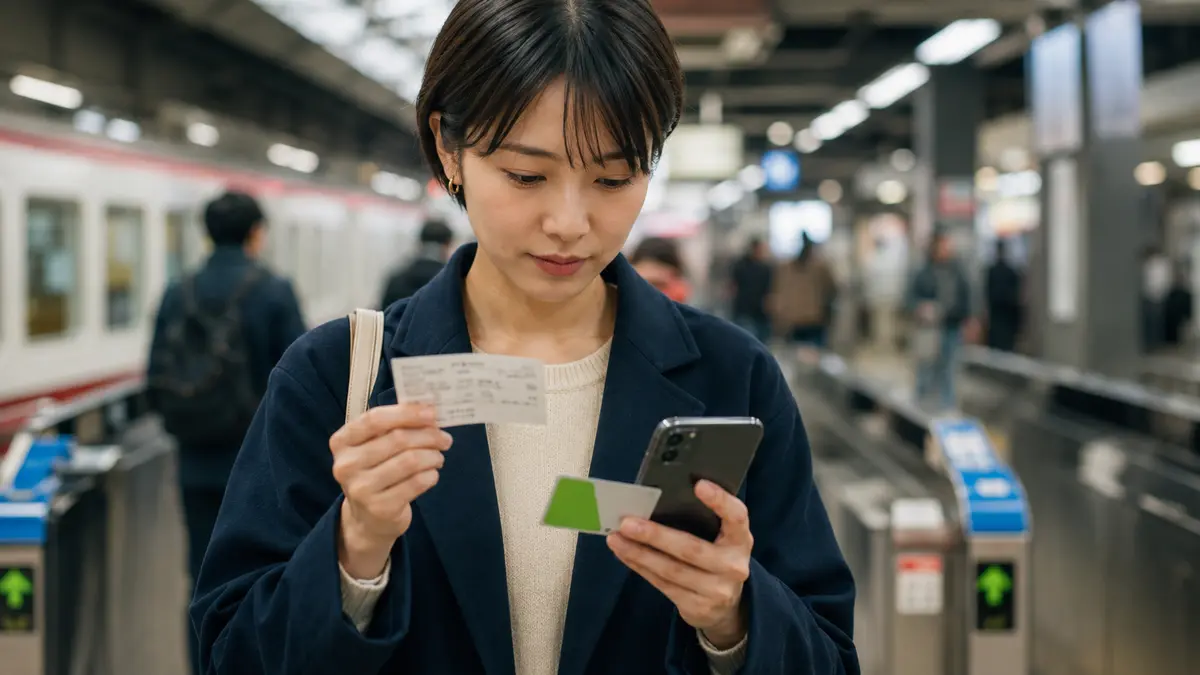
A traveler may legitimately hold a paper Shinkansen ticket and use Suica only for the conventional line before it. At a transfer gate, follow the operator's instruction to insert the Shinkansen or conventional-line ticket before touching the IC card. Touch de Go's official guidance warns that touching a registered card first without inserting the Shinkansen ticket can be treated as starting a Touch de Go journey.
A limited-express ticket by itself is not always the complete travel authority. JR East specifically says an IC card cannot simply be substituted for the base-fare ticket when only a Shinkansen limited-express ticket is held. If the paper pieces or screen labels are unclear, use the staffed transfer gate and let staff inspect them before entry.
What to know
Prepare the conventional-line part of the journey
Ticketless Shinkansen entry does not make every train before or after it free. With SmartEX, a conventional-line fare used on the same IC card is normally deducted from the stored balance while the Shinkansen payment remains on the reservation credit card. JR East Shinkansen e-tickets also have product-specific rules for travel outside the Shinkansen stations.
Keep enough stored value for the local section and any minimum balance the gate requires. SmartEX publishes different minimum-balance conditions by IC area when a passenger passes through a conventional-line concourse. If the local destination is outside the compatible IC area, buy the required paper ticket instead of assuming the card will settle across an area boundary.
What to know
Use the exact card that the booking identifies
The physical card, Mobile Suica and another phone wallet are different credentials even when they belong to the same traveler. Compare the identifying number shown in the reservation with the card or mobile service you will actually touch. Do this again after changing phones, replacing a card or editing a group booking.
Remove the chosen card from a wallet containing several contactless cards. SmartEX warns that the gate may not read correctly when several IC cards or chip cards are presented together. For mobile cards, make sure the phone has enough power and that the intended transit card is ready under the device's current wallet settings.
What to know
Keep a recovery route before you reach the gate
SmartEX offers three boarding routes: a designated IC card, a QR ticket at a compatible QR gate or collected paper tickets. If the designated card is forgotten or lost before boarding, SmartEX directs travelers to use the QR ticket where available or collect tickets with the pickup code and login password; merely showing a reservation-complete screen is not valid boarding authority.
For JR East products, open the reservation and use the official instructions for that exact fare. Do not assume every discounted ticket can be converted or collected in the same way. If the card cannot be linked or read, go to a staffed ticket gate or JR service counter before the departure cutoff with the reservation number, card and identification or payment evidence requested by the service.
If a rejection happens after entering a conventional-line gate, do not exit through another automatic gate to experiment. Staff may need to clear the local IC entry record and confirm the Shinkansen product. Keep the error screen visible and explain the route already traveled.
What to know
Choose the simplest valid method for your trip
Use SmartEX IC boarding when the route is on the Tokaido, Sanyo or Kyushu corridor, the booking accepts your payment method and every traveler has a compatible card. Use JR East's Shinkansen e-ticket when the journey is on an eligible eastern or Hokkaido route and the reservation is correctly linked. Use Touch de Go only for a listed non-reserved-seat trip when the balance-based price and route restrictions suit the journey.
Use a QR ticket or paper ticket when a companion lacks a separate IC card, a visitor card cannot be activated in time, the phone or card may fail, the route is outside the ticketless product or the mix of local and Shinkansen tickets is easier to explain on paper. Paper is not a failure; it is the correct fallback when the digital credential does not match the journey.
If that does not work
Use the fallback.
- If SmartEX will not accept the intended IC card, keep the paid reservation and use its QR-ticket option at a compatible gate or collect paper tickets with the pickup code and login password.
- If a JR East Shinkansen e-ticket is not linked to the correct card, stop before the automatic gate and ask staff how that exact product must be boarded; do not create a second booking until the first one is checked.
- If Touch de Go is unavailable for the route or balance, buy an ordinary Shinkansen ticket or eligible reserved product instead of splitting the trip into invented tap segments.
- If the gate rejects a card, separate all contactless cards, verify the designated number and show station staff the reservation and error. Repeated taps can create more records to correct.
- If the phone has no power, use the reservation system's official QR or ticket-pickup fallback where offered; carry the pickup information offline before departure.
Before you need it
Save this offline.
- Reservation number, train, date, section, car and seat
- Screenshot or saved page showing the official boarding method and designated IC card
- SmartEX pickup code and login details, stored securely and separately from the phone when practical
- Payment card or other booking evidence the operator says may be required for ticket collection
- Enough time before departure to use a staffed gate or ticket machine
Frequently asked questions
Can You Use Suica on the Shinkansen? IC Card Rules Explained FAQ
Can I tap Suica and pay for any Shinkansen from its balance?
No. Balance payment is available through Touch de Go! Shinkansen only for eligible JR East non-reserved-seat journeys after the required setup. SmartEX and JR East Shinkansen e-ticket journeys are bought separately and use the linked card as a gate credential.
Does SmartEX deduct the Shinkansen fare from my Suica balance?
No. SmartEX says the Shinkansen fare is paid with the registered credit card when the reservation is made. Suica identifies the reservation at the gate; its balance may separately pay a connected conventional-line fare.
Can two people use one Suica for a SmartEX group booking?
No. SmartEX requires a different designated IC card for each passenger using IC boarding. Give each traveler a separate QR ticket or collect tickets for anyone without a suitable card.
Can I use Welcome Suica with SmartEX?
SmartEX says foreign-visitor IC cards such as Welcome Suica can be designated, but the card must still be valid. Its official FAQ also warns that a card bought overseas may need first use at a PASMO or Suica-area gate before Shinkansen IC boarding. Keep the QR or pickup fallback ready.
What if I forget the IC card linked to SmartEX?
Use the reservation's QR ticket where available or collect paper tickets with the pickup code and login password. SmartEX says the reservation-complete screen alone is not enough to board.
Should I tap Suica before inserting a paper Shinkansen ticket?
No. At a transfer gate involving paper tickets, the official guidance says to insert the relevant ticket first and then touch the IC card. If the ticket combination is unclear, use the staffed gate.
Primary evidence
Official sources used
Open these pages again before travel. External links lead to the responsible Japanese authority or transport organization.