Do this now
Follow these steps in order.
- 01
Do not force the gate or repeatedly tap the card.
- 02
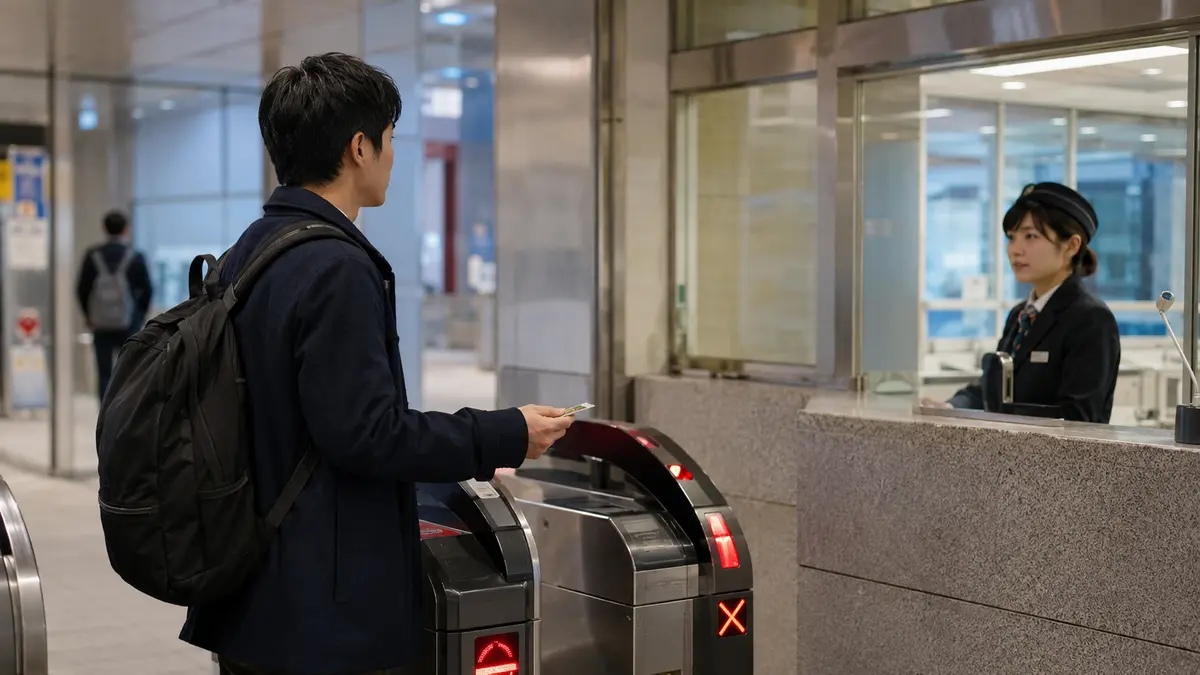
Move to the staffed gate without blocking other passengers.
- 03
Show the card and any paper or digital tickets used for the journey.
- 04
Follow the operator’s instruction to adjust the fare or correct the journey record.
What to know
Not every gate failure means low balance
An IC card can fail because a previous tap was incomplete, the route is outside its supported area, the card conflicts with another ticket, or the service requires an additional ticket. Staff can identify the actual record.
What to know
Avoid tapping a wallet full of cards
Multiple contactless cards can cause a read error or charge the wrong card. Present only the intended card or device and use the same medium at entry and exit.
What to know
Mobile cards add phone-specific risks
A mobile IC card depends on the device and wallet setup. Keep the phone charged and understand the device maker’s lost-device and transfer procedures before travel.
If that does not work
Use the fallback.
- Use cash or the operator’s accepted payment method if the card cannot be used on that route.
- Keep the card until staff resolve an incomplete journey; buying another card does not clear the original record.
Before you need it
Save this offline.
- Card type
- Entry station and approximate time
- Related ticket or reservation
- Device account recovery information for mobile cards
Primary evidence
Official sources used
Open these pages again before travel. External links lead to the responsible Japanese authority or transport organization.