Do this now
Follow these steps in order.
- 01
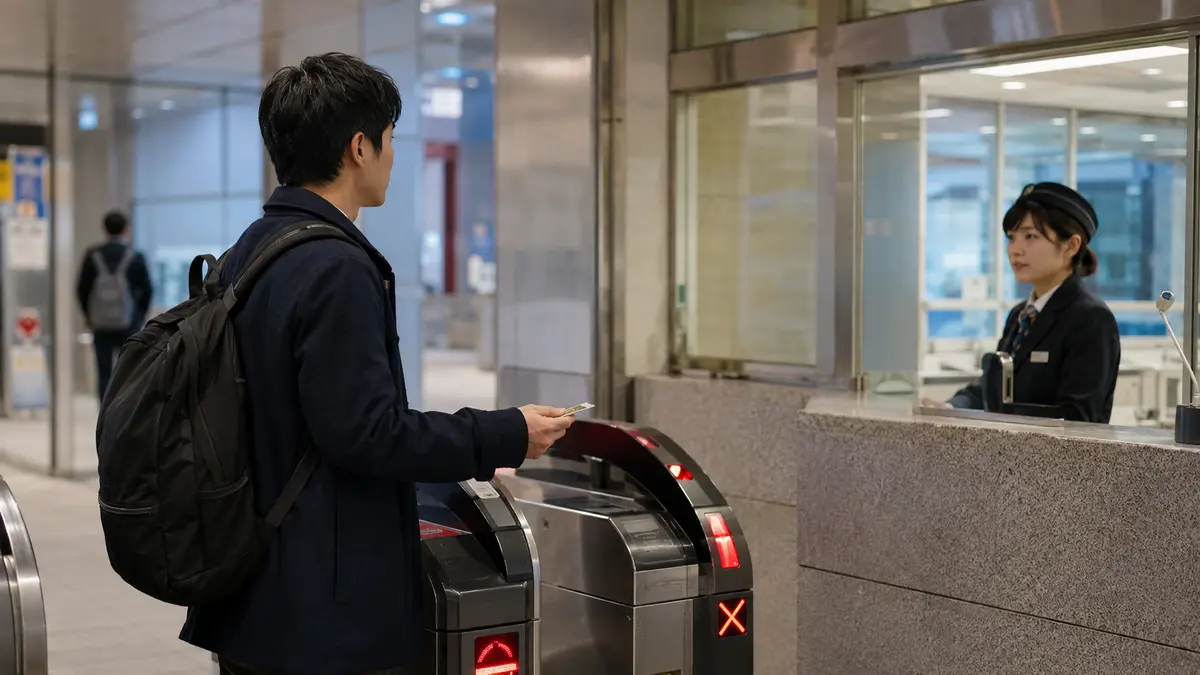
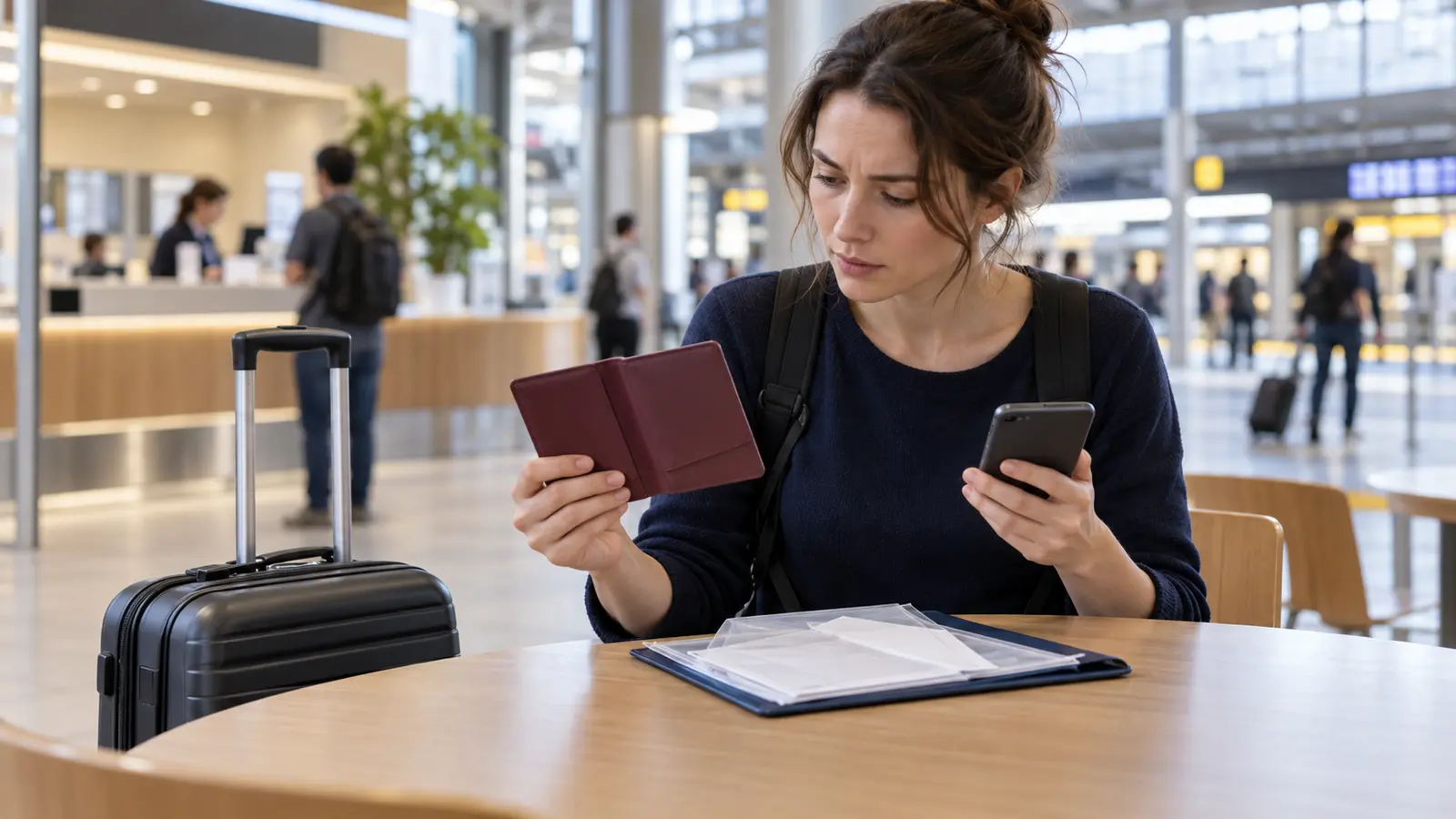
Move to a safe staffed place, note the last time and location you used the phone, retrace only safe areas, and ask the exact station, train, taxi, hotel or venue lost-and-found desk.
- 02
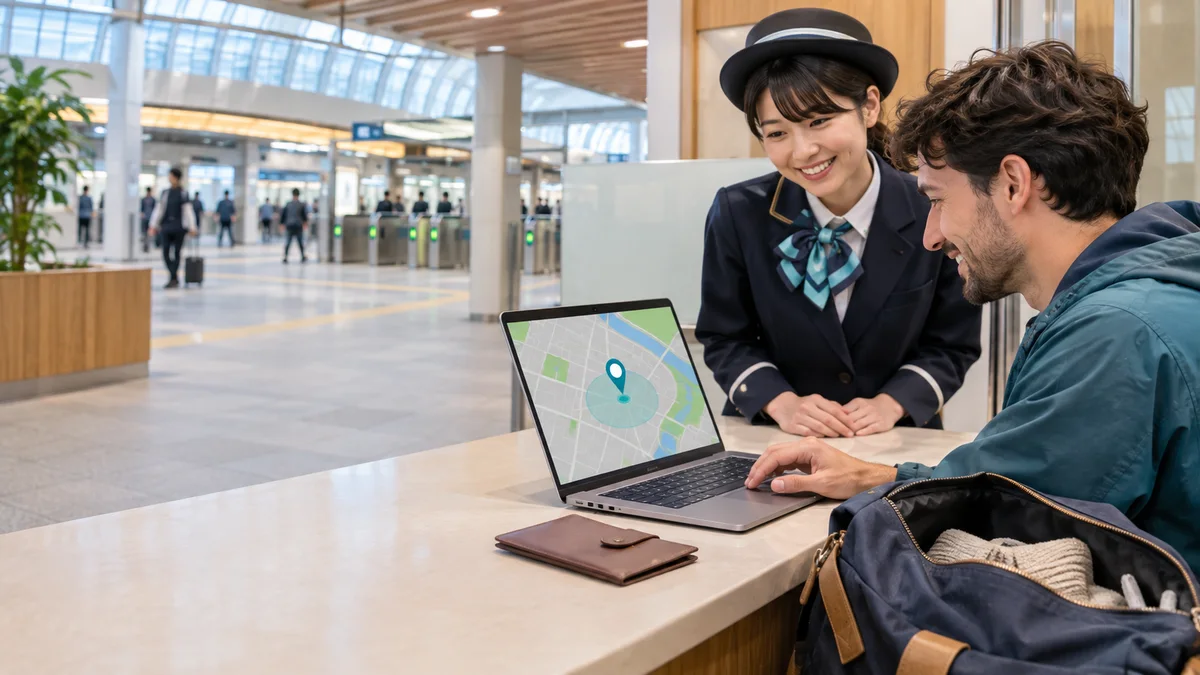
From a trusted phone or computer, open Apple Find My or Google Find Hub. Play a sound only when nearby, save the displayed location and time, then mark the device lost or secure it with a safe callback number.
- 03
Do not meet a stranger or enter a private location to recover the device. If the map suggests theft or immediate danger, show the information to police and use 110 only for an urgent crime or threat.
- 04
Call the mobile carrier from another line and suspend the SIM or eSIM. Ask what identity check, replacement activation, roaming account access and fee apply; do not cancel the entire number unless that is your intended result.
- 05
Secure the primary email account first if the phone was unlocked or its passcode may be known, then banking, card, booking, social and messaging accounts. Review active sessions and change reused passwords.
- 06
Protect payments and transit separately. Apple Lost Mode suspends Apple Pay cards and passes; a locked Android cannot make in-store Google Wallet payments. Also follow JR East or PASMO's own suspension and reissue procedure for a mobile IC card.
- 07
File the operator or venue report and a police Lost Property Report with the phone model, color, case, serial or IMEI, last location and reachable email or replacement number. Keep every reference number.
- 08
Remote-erase only after you have recorded evidence, attempted retrieval and considered insurance requirements. An Android factory reset ends Find Hub tracking; never remove a missing iPhone from Find My after erasing it.
- 09
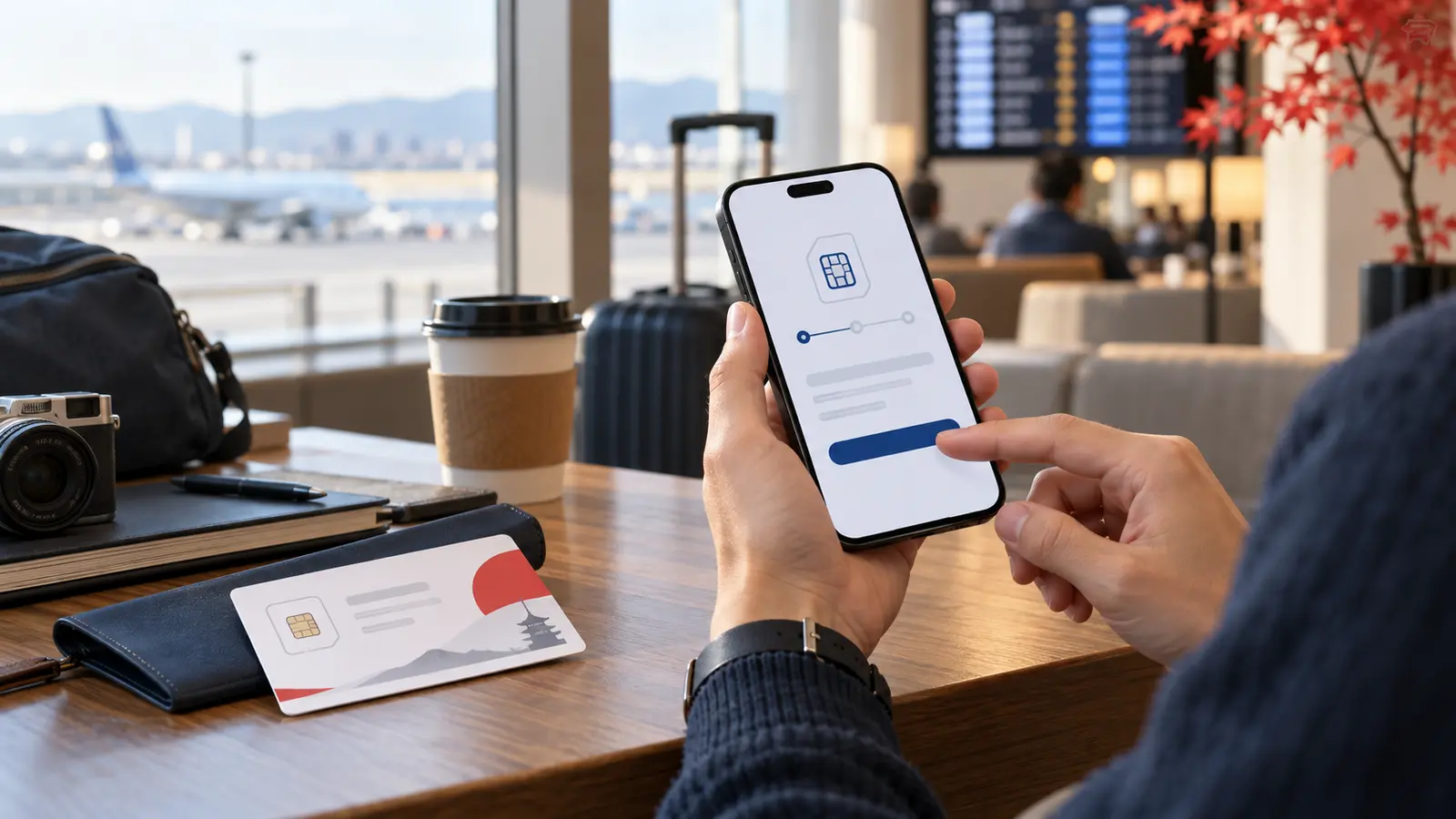
Rebuild travel access on a replacement device: activate the replacement SIM or eSIM, restore only from a trusted backup, reissue eligible mobile transit cards, and download tickets, hotel details, maps and emergency contacts again.
What to know
The first ten minutes: search safely, then lock
Check pockets, bags, the seat area and the nearest staffed counter before leaving the place where you noticed the loss. Ask staff to record the exact train, carriage, taxi company, venue area and time. A device that is merely under a seat is easier to recover before the vehicle or crowd moves on.
On iPhone, use the Find My app on another Apple device or icloud.com/find. Apple says the web Find Devices route can be opened without entering a verification code sent to the missing device. Marking the iPhone lost locks it, lets you display contact information and suspends Apple Pay payment cards and passes.
On Android, open Google Find Hub on the web or use the Find Hub app as a guest on another Android device. You can play a sound, mark the device lost, add a message and callback number, and view an estimated location when the required power, network, account and Find Hub settings are available. Indoor or last-seen locations can be approximate, so treat the pin as evidence rather than permission to confront anyone.
What to know
When remote location does not work
If Find My was not enabled before an iPhone disappeared, Apple says it will not appear in Find My and cannot be remotely marked lost or erased. Find Hub likewise depends on the Android device being powered, connected, signed into the Google Account and configured for the service. Continue with carrier suspension, account protection and reports even when the map is blank.
A device can be offline, out of battery or inside a building that weakens location accuracy. Save screenshots with timestamps and check again later, but do not postpone suspension merely because a new location has not appeared.
Ignore texts or emails claiming the phone was found if they ask for the passcode, account password or verification code. Apple states that it will not contact you to say the device was found. Open recovery services through a saved official address rather than a message link.
What to know
Suspend the eSIM or SIM without losing the whole travel plan
A locked handset can still expose SMS verification if someone knows the screen code or moves a physical SIM. Contact the home carrier or travel-eSIM provider through its official site or another phone and request suspension. Record whether the action stops data only, all service, or the telephone number itself.
Ask what is required to activate a replacement: account password, passport or other ID, EID or IMEI, QR code, app login, a second device or access to the original email. A data-only travel eSIM may not control your home number, so suspend each affected line separately.
Before changing the primary email password, make sure you can still receive recovery prompts somewhere safe. If the missing phone was unlocked, prioritize email because it can reset booking, bank and social accounts. Remove unfamiliar sessions, but keep written recovery codes and itinerary records offline.
What to know
Protect wallets and mobile IC cards as separate systems
For Apple devices, Lost Mode suspends Apple Pay cards and passes. Keep the device in Find My even after an erase: Apple warns that removing it also removes Activation Lock, making resale or reuse easier for someone else. Contact the card issuer as well if the screen code was exposed or transactions appear.
Google says a locked Android cannot be used for in-store Google Wallet purchases because verification is required, and erasing the device removes payment information from it. If you cannot lock the phone, or suspect account compromise, secure the Google Account and contact card issuers instead of relying on wallet encryption alone.
Mobile Suica has its own membership-site suspension and reissue process. JR East warns of risk before suspension, including auto-charge and saved-login use, and says same-OS replacement is generally required; moving between iPhone and Android can require withdrawal rather than reissue. Welcome Suica Mobile users can ask the support center to suspend the Suica and, after suspension, re-register on another iPhone. Mobile PASMO also publishes separate iPhone and Android lost-device procedures.
What to know
Report it to the operator and police
Report to the organization that controlled the location: railway operator for a station or train, bus or airline desk for the vehicle, taxi company for the cab, and hotel or venue staff for private premises. Give the precise time, route, seat or carriage, device appearance and case; do not rely only on a generic police report while the item may still be moving through an operator's system.
The National Police Agency advises filing a Lost Property Report promptly and immediately contacting the mobile operator when a phone is missing. Visitors who may leave Japan should give an email address or telephone number that remains reachable after departure. A police report can also be needed for theft insurance.
Use a nearby koban or police station for a routine lost-property report. Call 110 for an urgent crime or immediate danger, not merely to ask whether an item has been handed in. JNTO lists a police lost-and-found information line, but local operator and police procedures remain the sources of the actual claim.
What to know
Erase last, then rebuild a minimum travel phone
Remote erase protects data but changes recovery options. Apple calls erasure irreversible and says not to remove the iPhone from Find My afterward. Google says a factory-reset Android will no longer be available in Find Hub. Record the map, serial or IMEI, reports and any insurer instructions before choosing erase.
For the replacement device, start with calls or data, email, booking confirmations, maps, authentication, airline or rail tickets and the lodging address. Restore from a known backup rather than an unknown public computer. If a mobile IC card cannot be reissued immediately, use a physical IC card or paper ticket and keep receipts.
A replacement line may fail if the provider sends its verification code to the lost phone. Use account recovery, provider chat, a staffed carrier shop or a trusted contact at home. Keep passport details and recovery codes private; a hotel or station employee can help contact a provider but should not receive your password.
What to know
Checked November 23, 2026 — provider rules can differ
This guide was checked on November 23, 2026 against current Apple, Google, National Police Agency, JNTO, JR East and PASMO information. It does not assume that a device was stolen, that location data is exact, or that every eSIM, payment card or mobile IC card can be reissued.
Carrier identity checks, insurer deadlines, wallet behavior, supported devices, Mobile Suica or PASMO reissue conditions and operator lost-property systems can change. Reopen the official page for your exact device, line, card and operator before confirming a destructive action.
If that does not work
Use the fallback.
- No second device: ask hotel, station or airport staff for a safe computer or phone, or use a trusted companion's device in private browsing; sign out completely afterward.
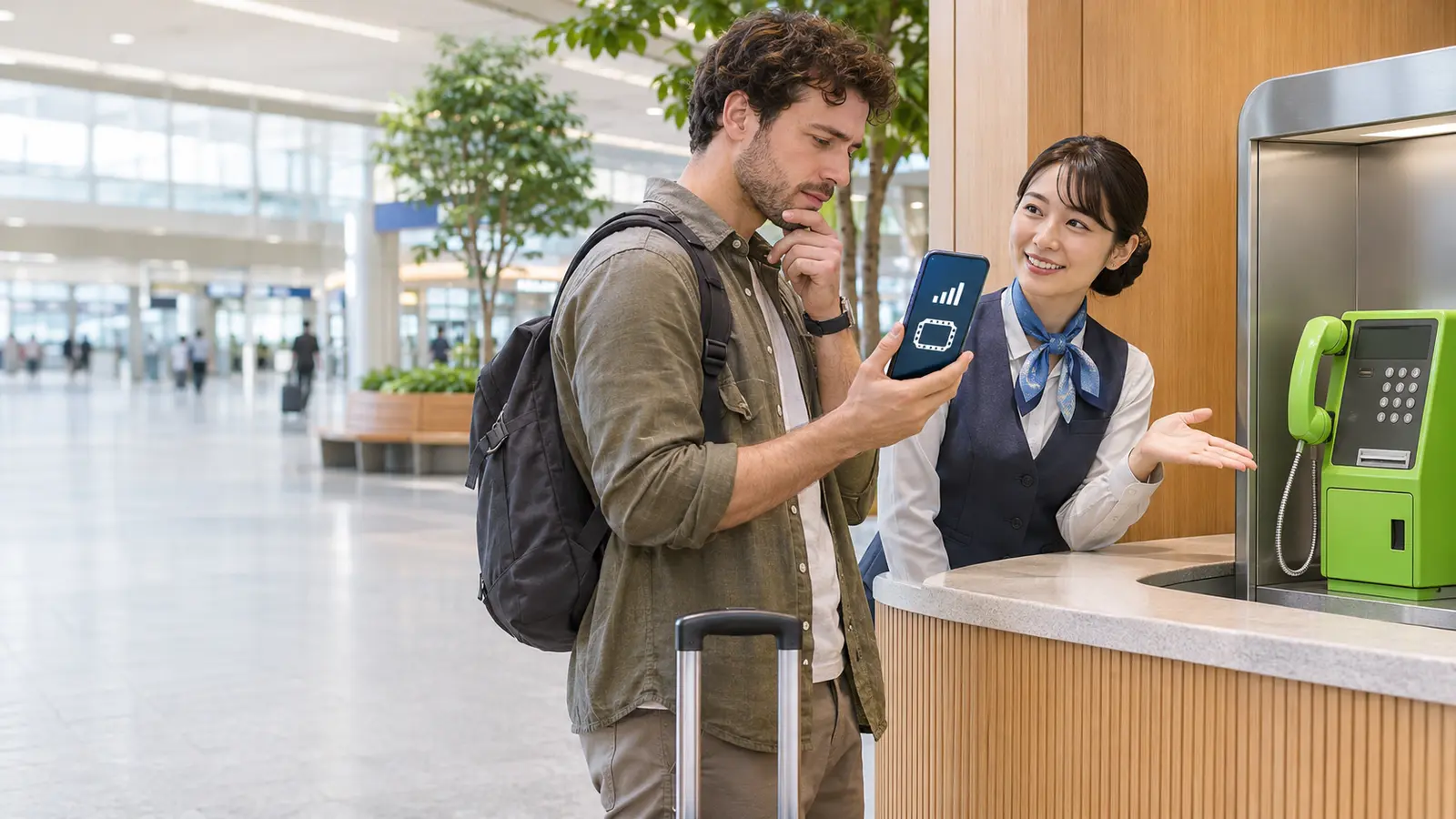
- No internet: use a staffed counter, public telephone or another traveler's phone to call the carrier and operator, then use Find My or Find Hub as soon as a trusted connection is available.
- The phone is offline: mark it lost anyway when the service permits, save the last-seen information, suspend the line and keep checking without delaying reports.
- You cannot sign in because the code goes to the missing phone: use Apple's or Google's official account-recovery route, a recovery key or code, trusted device or the provider's identity process; never give a code to a person claiming to have found the phone.
- The location appears in a private building or is moving: do not pursue it. Take the timestamped map and device identifiers to police and continue remote protection.
- The carrier cannot issue an eSIM abroad: keep the number suspended, buy a separate legitimate travel SIM or eSIM for data, and use email or authenticator recovery until the home line can be replaced.
- Mobile Suica or PASMO cannot be restored to the replacement: ask the issuer about suspension, refund or same-OS reissue, then travel with a physical IC card or paper ticket.
- You already erased the device: keep it linked to Find My if it is an iPhone, preserve the erase confirmation and reports, and use carrier or account records rather than expecting Android Find Hub tracking to continue.
- You leave Japan before it is found: give the operator and police an email or number reachable abroad, ask about authorized pickup or shipping, and do not assume they can post the device internationally.
Before you need it
Save this offline.
- Apple Account or Google Account email
- Account recovery key or codes
- Carrier and eSIM provider support details
- Phone make, model, color and case
- Serial number, IMEI and EID
- Last known time and place
- Train, carriage, bus, taxi or venue details
- Find My or Find Hub screenshots
- Police and operator report numbers
- Card issuer contacts
- Mobile Suica or PASMO membership details
- Insurance policy and claim deadline
- Bookings, tickets and lodging address
Frequently asked questions
Phone Lost or Stolen in Japan: Lock It, Protect eSIM and Mobile Suica FAQ
Should I call the missing phone before locking it?
You can play a sound or call once when it is plausibly nearby, but do not delay remote lock. Put a safe callback number on the lost-device message rather than exposing your hotel room or another sensitive detail.
Can I use Find My without the verification code sent to my lost iPhone?
Apple says you can select Find Devices at icloud.com/find without entering that verification code. Use only the official iCloud address and never share a code with someone claiming to have the phone.
Does Lost Mode stop Apple Pay?
Apple says marking the device lost suspends Apple Pay payment cards and passes. Contact the card issuer too if the passcode was exposed or a transaction appears.
Can a locked Android still make Google Wallet payments?
Google says in-store payments require verification and a locked device cannot make them. Use Find Hub to lock it promptly, secure the Google Account if compromise is suspected, and contact issuers when necessary.
Should I erase the phone immediately?
Usually lock first, save location and identifiers, report it and check insurer requirements. Erasure is irreversible; Google says an erased Android can no longer be located in Find Hub.
Should I remove a lost iPhone from my Apple Account after erasing it?
No. Apple warns that removing it from Find My also removes Activation Lock. Keep it linked even after remote erase.
Can I restore Mobile Suica to any replacement phone?
Not always. JR East's procedure distinguishes iPhone and Android and warns that cross-OS reissue may not be available. Check the exact Suica type and replacement OS before buying the device.
Where do I report a phone lost on a Japanese train?
Report first to that railway operator with the line, train, time and carriage, then file a police Lost Property Report. Items can move through the operator's own collection system before reaching police.
Is 110 the number for ordinary lost-property questions?
110 is for urgent police emergencies. For a routine loss, visit a koban or police station and contact the operator or venue; use 110 if theft or immediate danger is occurring.
What if I need to leave Japan before the phone is recovered?
Give police and the operator an email or replacement number that works abroad, keep reference numbers and ask about authorized collection or shipping. Recovery and international delivery are not guaranteed.
Primary evidence
Official sources used
Open these pages again before travel. External links lead to the responsible Japanese authority or transport organization.