Do this now
Follow these steps in order.
- 01
Confirm whether your mobile plan permits tethering and has enough high-speed data.
- 02
Keep a second connection path that does not depend on the same provider or device.
- 03
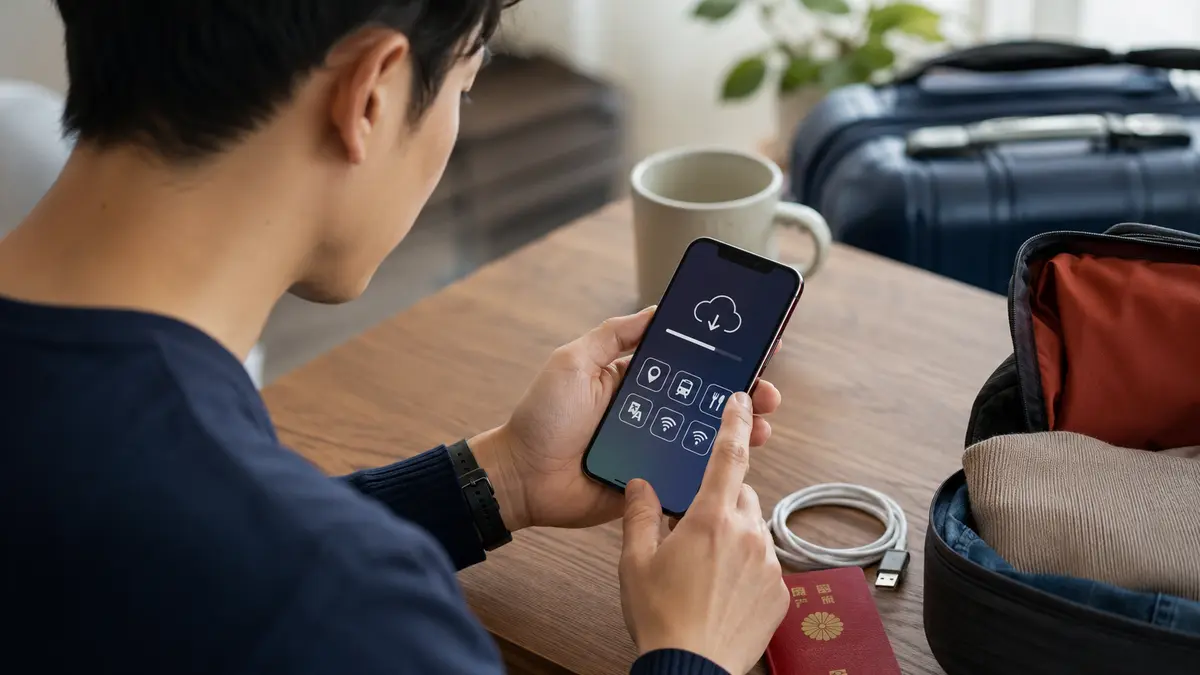
Make critical documents and working files available offline.
- 04
Back up footage and project files to more than one physical location before uploading.
What to know
Bandwidth is only one part of reliability
A speed test does not guarantee stable video calls or large uploads. Location, congestion, building structure, VPN use, power and data throttling can change the result during the actual task.
What to know
Treat public Wi-Fi as shared infrastructure
Confirm the network name with the venue, use encrypted services, keep devices updated and avoid sensitive work if you cannot establish a trusted connection. Follow your organization’s security policy.
What to know
Build a file-first recovery workflow
Copy original media to a second drive, verify the copy, and keep at least one copy separate. Use resumable uploads where available and do not erase source media only because an upload started.
If that does not work
Use the fallback.
- Switch to mobile data or another trusted venue before changing security settings.
- Move a call to audio-only if the connection is unstable.
- Reschedule a critical upload rather than risking the only copy of a file.
Before you need it
Save this offline.
- Client contacts
- Meeting links and dial-in backup
- Critical documents
- Provider support instructions
- Local copies of active files
- Power and charging plan
Primary evidence
Official sources used
Open these pages again before travel. External links lead to the responsible Japanese authority or transport organization.