
Do this now
Follow these steps in order.
- 01
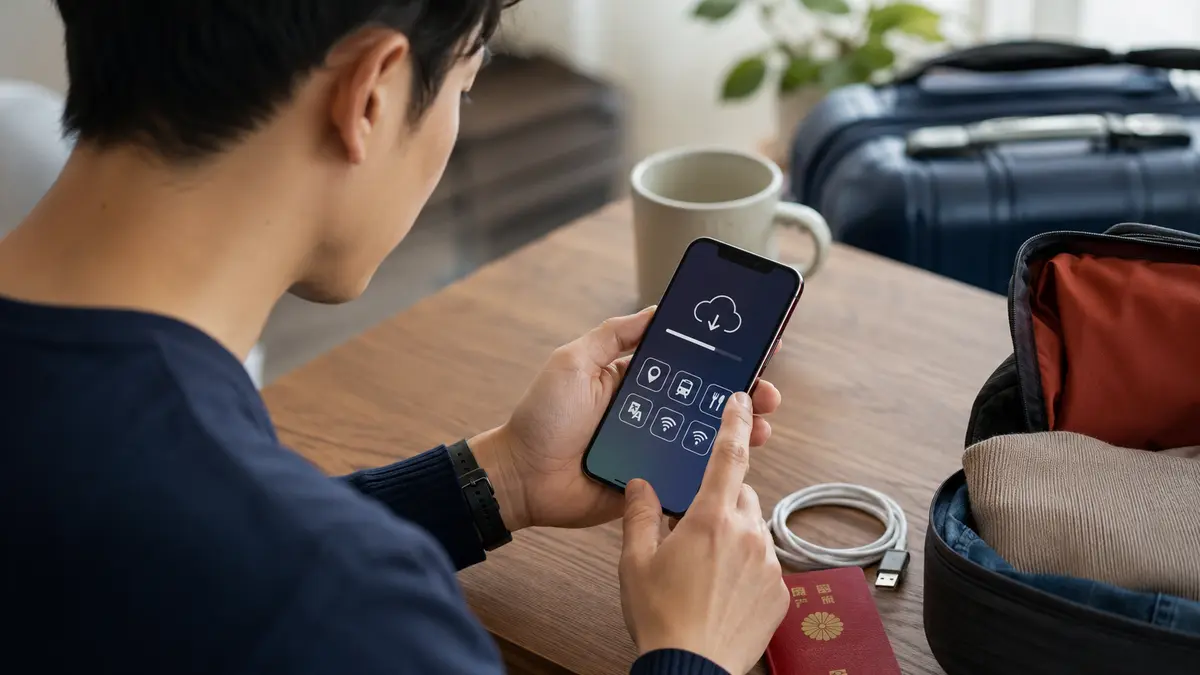
Stop before leaving the arrivals area and open your offline hotel and route information.
- 02
Use the airport’s posted official Wi-Fi instructions or ask an information counter.
- 03
Check airplane mode, the selected data line, data roaming requirements and provider instructions.
- 04
Contact your provider through its official app or support channel before deleting a SIM or eSIM.
What to know
Check the simple causes in order
Restarting every setting at once makes the cause harder to identify. Confirm that airplane mode is off, the intended line is enabled, mobile data is assigned to it, and any provider-required roaming setting is correct.
What to know
Do not confuse signal with working data
A phone can show signal while the plan is inactive, exhausted or using the wrong network settings. Check the provider account status and installation instructions on a trusted connection.
What to know
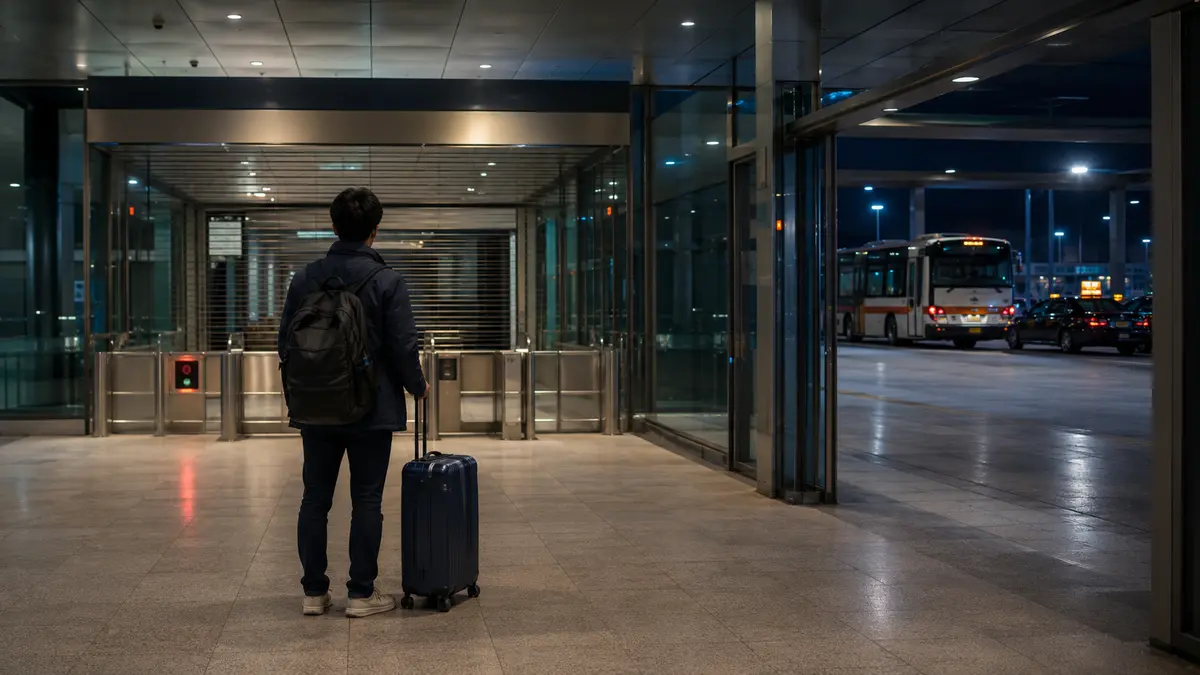
Leave the airport only with a route you can finish
Before boarding transport, save the correct terminal or station, service name, transfer points, final stop and accommodation address. Check the operator’s official departure information, especially late at night.
If that does not work
Use the fallback.
- Ask the airport information counter to confirm the official Wi-Fi and transport route.
- Use an official taxi rank if the public-transport plan cannot be completed safely.
- Contact your accommodation and explain the delay before reception closes.
Before you need it
Save this offline.
- Provider setup guide
- Hotel address and phone number
- Airport transfer route
- Last practical departure
- Payment backup
Primary evidence
Official sources used
Open these pages again before travel. External links lead to the responsible Japanese authority or transport organization.