Do this now
Follow these steps in order.
- 01
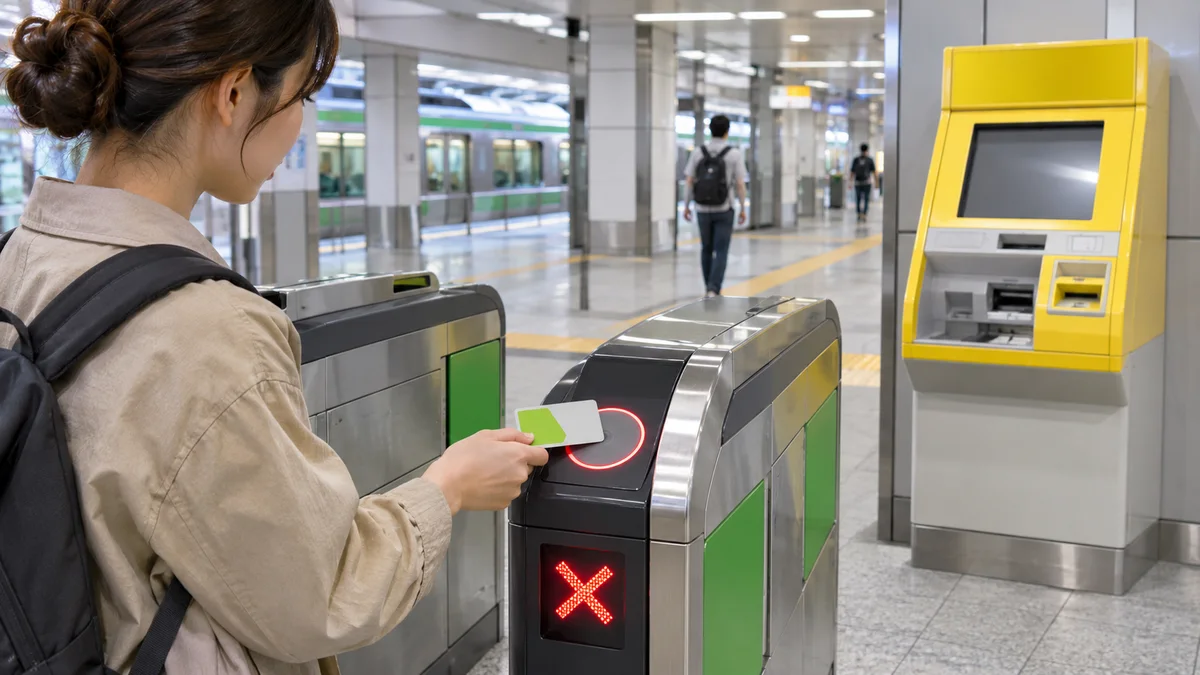
Stop at the side of the gate so other passengers can pass. Read or photograph the error message, but do not keep tapping.
- 02
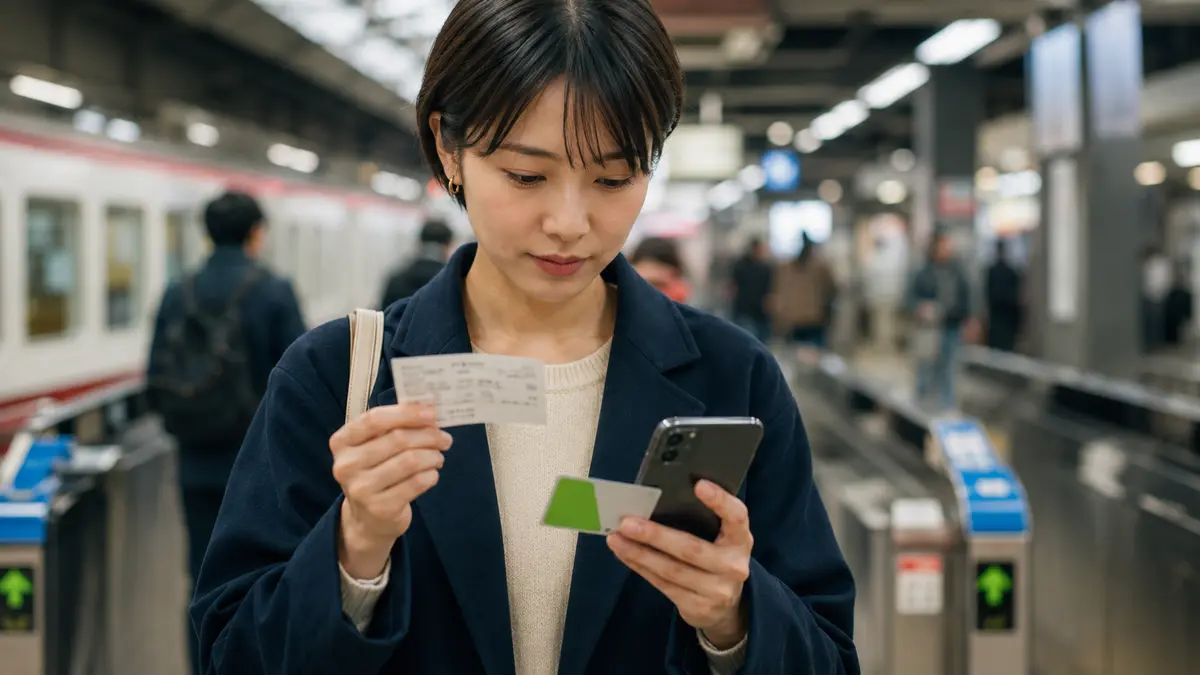
Keep the exact card, phone, watch or paper ticket used at entry. Do not try a second IC card or payment card; that can create another incomplete travel record.
- 03
If the screen clearly says the IC balance is insufficient, find the fare-adjustment machine or IC recharge machine inside the paid area near the exit gates.
- 04
Choose the English language option, place or insert the same IC card as directed, and select a charge or shortage-settlement option. Carry yen cash because physical-card station top-ups should not be assumed to accept an overseas credit card.
- 05
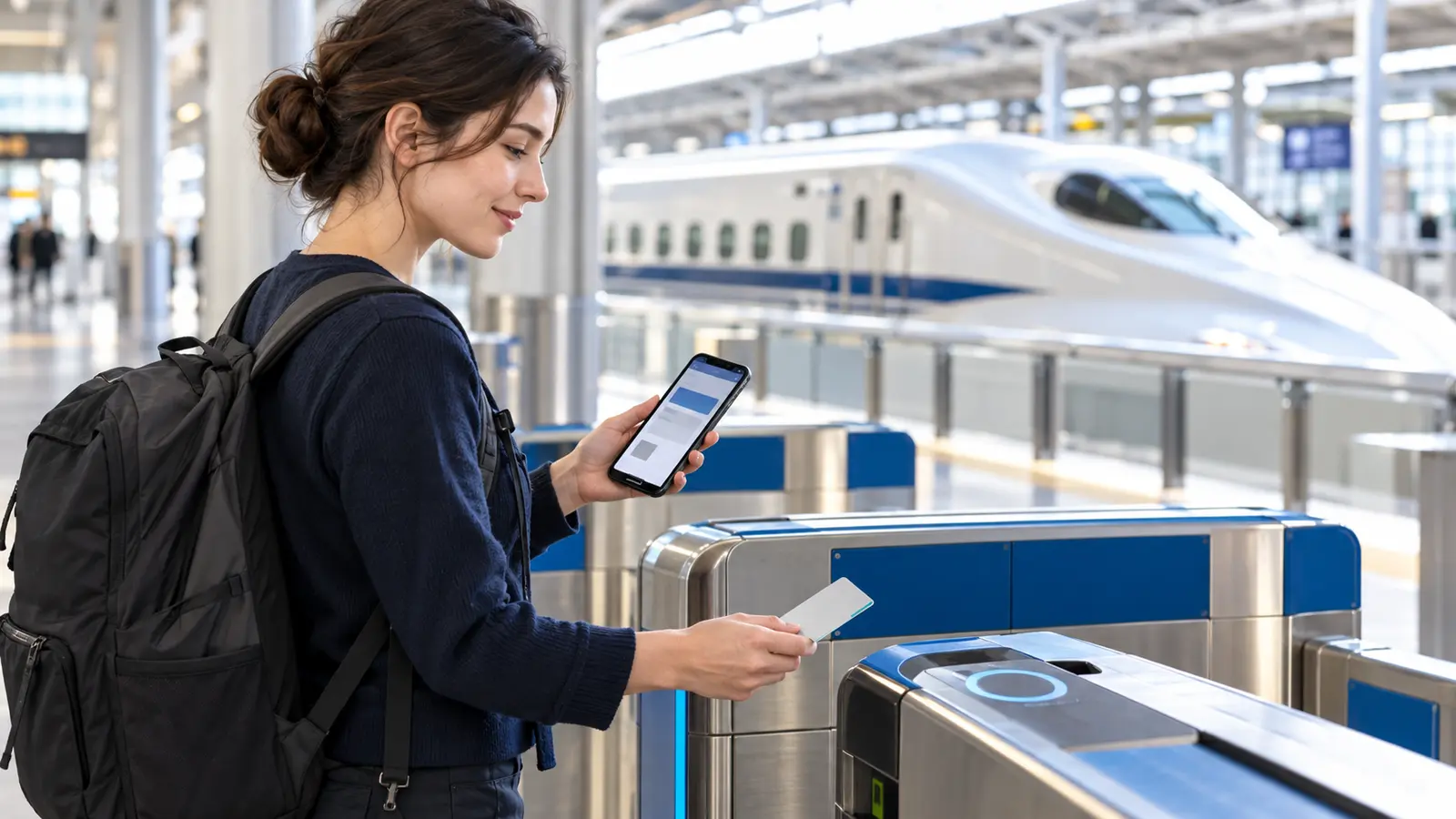
If you used a mobile IC card and its official app or wallet can add value, complete the top-up and confirm the new balance before tapping the same device at the gate again.
- 06
If you have a paper ticket for too short a distance, insert that ticket into the fare-adjustment machine, pay the amount shown, take every ticket the machine returns and use the indicated ticket at the gate.
- 07
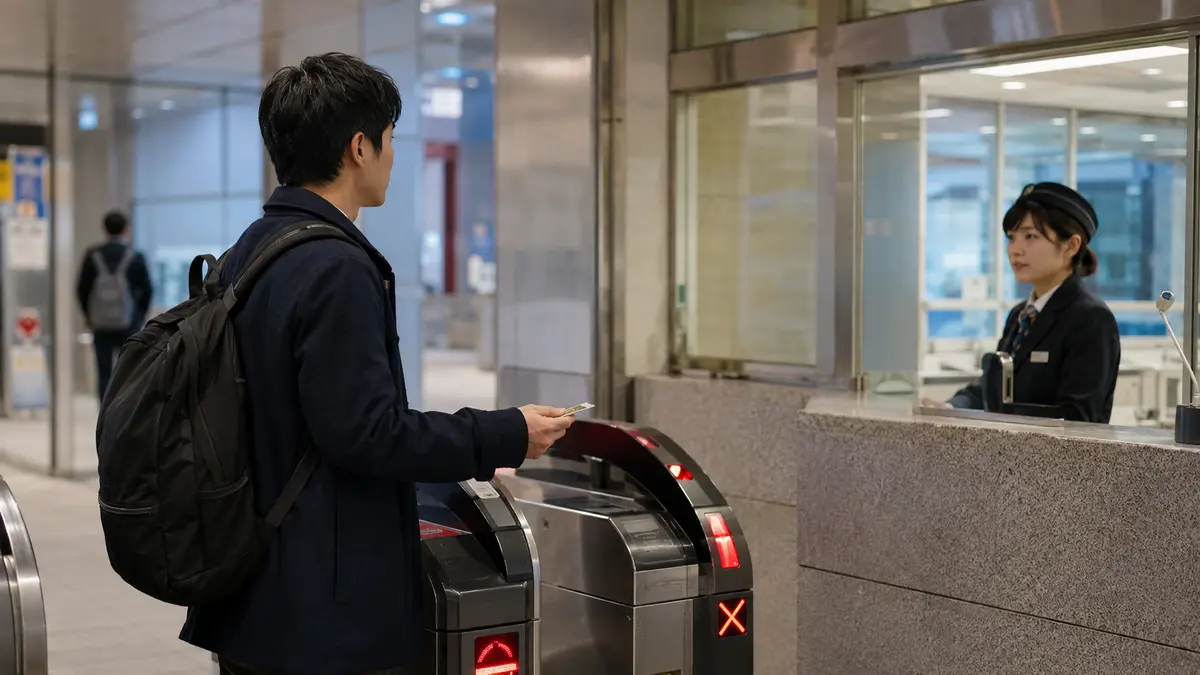
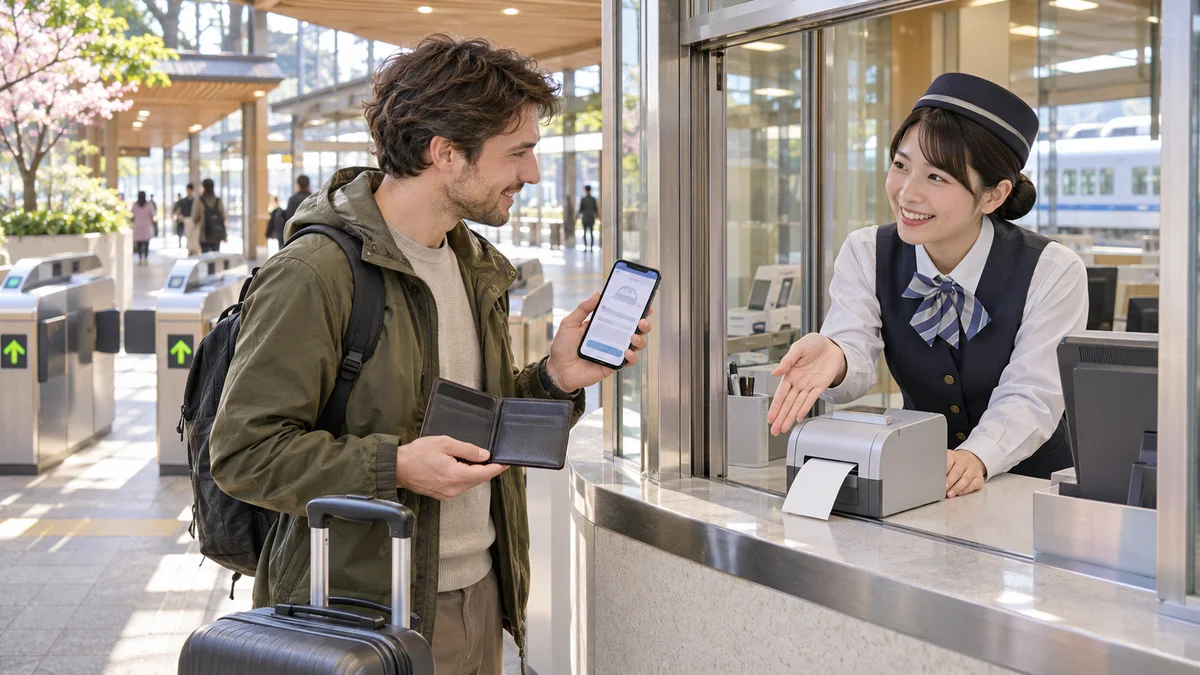
Use the staffed gate when the machine rejects the card or ticket, no suitable machine is available, the trip crossed an IC service-area boundary, or the error is not clearly a balance shortage.
- 08
Before leaving, confirm that the gate accepted the same travel medium and the journey is closed. Keep any adjustment ticket or receipt until you have exited.
What to know
When the exit gate closes, preserve the original journey record
An IC-card journey is calculated from the entry record stored for that card or device. A paper ticket records the fare product used to enter. The cleanest repair starts with the same item, so move out of the lane and keep it accessible.
Do not tap a companion's card, buy a second ticket without instructions or pass through behind another traveler. The gate needs to close the existing journey; a new card or ticket does not erase the original entry record.
If the message is unclear, use the staffed passage. Show the card or ticket and name the origin, destination and route. Staff can distinguish a simple shortage from a broken record, area-boundary problem or missing train-specific ticket.
What to know
IC-card balance shortage: charge inside the gates and try again
JR East's Suica guidance says the fare is calculated at the destination and the card must be topped up when the balance is insufficient. Its Welcome Suica guide directs the passenger to add value at a fare-adjustment machine and then try the gate again. JR West gives the same basic instruction for ICOCA: charge at a fare-adjustment or smart-card recharge machine, then pass through the gate again.
Look for a machine marked Fare Adjustment, IC Card Charge, のりこし精算 or チャージ near the exit. Machine design and available denominations vary by operator. Follow the screen rather than assuming that every machine offers an exact-shortage option.
For a physical visitor card, carry yen cash. JR East's English Suica page states that the listed station top-ups use cash and cannot use a credit card, while TOURIST PASMO likewise describes cash top-ups at station machines. A particular mobile IC product can have a separate in-app payment method.
What to know
Paper ticket too short: pay the displayed difference
Tokyo Metro instructs passengers who traveled beyond the value of their paper ticket to insert it into the fare-adjustment machine near the gates. The machine displays the extra fare; after payment, take the ticket and pass through the gate.
Keio gives the same practical rule: if the journey is longer than the ticket purchased, pay the additional fare at the adjustment machine near the exit gate. The operator's rules determine the calculation, so use the machine at the station where you are exiting rather than estimating the amount yourself.
Take every piece returned. Some machines issue an adjustment ticket for the gate, while others complete an IC-card charge without issuing a separate exit ticket. If the screen says to see staff, do not discard the original ticket.
What to know
A closed gate does not always mean low balance
JR East lists other reasons an otherwise funded Welcome Suica may fail: the card was not processed correctly on the previous trip, something in the card holder blocks reading, or the card was used outside the Suica area and needs adjustment. Similar record problems can occur with other interoperable IC cards.
An IC card can work across many participating operators without supporting every possible through journey. Separate IC service areas, some rural routes and particular transfer patterns may require a paper ticket or staff settlement. Adding value does not make an unsupported journey valid.
A red gate can also mean the card was used to enter on another device, the phone battery is unavailable, the child or adult fare medium is wrong, or an online Shinkansen reservation is linked to a different IC card. Preserve the evidence and ask staff rather than guessing.
What to know
Transfer gates and different operators need extra care
Some transfers use a gate even though the journey continues. Tokyo Metro notes that passengers may need to pass through a designated gate when changing lines, including some transfers between its own lines. Use the marked transfer gate and follow the time condition shown by the operator.
At a boundary between JR, subway and private railway networks, the adjustment machine may belong to only one operator. If you entered with a paper ticket and plan to continue with an IC card, or combined several tickets, show all of them to staff before tapping anything.
If you accidentally exit, enter through the wrong operator's gate or return to the origin without completing the intended route, use the staffed gate. The ordinary balance screen cannot determine the lawful fare from an unusual route by itself.
What to know
Fare adjustment does not buy every required train ticket
Stored value normally covers the basic local fare. A limited-express, Shinkansen, Green Car or reserved-seat journey can require a separate ticket or reservation. JR East's Suica guidance explicitly says that an extra limited-express or Green Car ticket is required when applicable.
Adding balance at the destination does not retroactively create a reserved seat or a train-specific supplement. If staff or the conductor identifies a missing ticket, pay through the channel they direct and keep the receipt.
For an online reservation linked to an IC card, the reservation and the IC travel record are separate pieces of the journey. Open the booking confirmation and show the assigned card number or last digits when staff ask which card should have opened the gate.
What to know
Checked November 26, 2026 — operator instructions control
This guide was checked on November 26, 2026 against JR East, JR West, Tokyo Metro, PASMO and Keio official information. It explains the normal repair paths but does not claim that every station has the same machine, denomination, language menu or payment method.
Fares, IC service areas, transfer conditions, machine functions and mobile-wallet support can change. Follow the message at the actual gate and the operating railway's current instructions. When the machine and this guide differ, use the machine's prompt or a station attendant.
If that does not work
Use the fallback.
- No fare-adjustment machine is visible: use the staffed passage and show the same card or ticket used at entry.
- The machine has no English option: keep the card or ticket in hand and ask staff for 'fare adjustment' or show the phrase のりこし精算.
- You have no yen cash: ask station staff which accepted top-up or settlement method is available at that station; do not assume a foreign credit card will work.
- A mobile top-up is declined: keep the device powered and use a compatible cash-recharge machine or staffed gate if the product and station support it.
- The card has enough balance but still fails: remove it from a wallet containing other cards, try once more if staff or the screen directs, then ask staff to inspect the record.
- The trip crossed an IC service-area boundary: tell staff the exact origin, transfer stations and destination and follow the paper-ticket or cash settlement they calculate.
- You used the wrong card at entry or exit: do not tap again. Present both cards or devices at the staffed gate so the two records can be examined.
- You are missing a limited-express or reserved-seat ticket: show the train and booking confirmation to staff or the conductor and buy the required product through the official channel they specify.
Before you need it
Save this offline.
- Origin station and operating railway
- Transfer stations and route used
- Destination station and operator
- Exact IC card, phone or watch used at entry
- Current balance screenshot if using a mobile card
- Paper ticket and every returned adjustment ticket
- Online reservation confirmation and assigned IC-card details
- Small yen cash reserve
- Japanese phrase: のりこし精算 — fare adjustment
- Japanese phrase: 残高不足 — insufficient balance
Frequently asked questions
Japan Train Fare Adjustment: IC Card Balance and Paper Tickets FAQ
What should I do when a Japanese train gate says insufficient balance?
Step aside, keep the same IC card or device, charge it at an in-gate fare-adjustment or recharge machine, confirm the new balance and tap the same card or device again.
Can I pay only the exact IC-card shortage?
Some operator machines provide a shortage-settlement option, while others offer fixed top-up amounts. Follow the actual machine; use staff if the required option is unavailable.
Can I use a credit card at a fare-adjustment machine?
Do not rely on it for a physical IC card. JR East and TOURIST PASMO visitor guidance describe cash station top-ups. A mobile IC card may have a separate in-app card top-up.
Can I use a different Suica or PASMO to exit?
No. Use the same card or device that created the entry record. Ask staff if you used the wrong card or no longer have the original medium.
How do I pay the difference on a paper train ticket?
Insert the original ticket into the fare-adjustment machine near the exit, pay the displayed difference, take the returned or adjustment ticket and use it at the gate.
Why does the gate reject a card with enough money?
Possible causes include an incomplete previous record, a reading conflict, an unsupported cross-area journey, the wrong card linked to a booking or a missing train-specific ticket. Use the staffed gate.
Does topping up an IC card buy a limited-express or Shinkansen ticket?
No. Those trains can require a separate limited-express, seat or reservation product. Stored value alone does not create that ticket.
Will the fare-adjustment machine give me a ticket?
A paper-ticket adjustment can issue a ticket for the gate. An IC-card charge may update the card without a separate ticket. Follow the screen and take every item returned.
What if I crossed from one IC-card service area to another?
Adding balance may not fix it. Use the staffed gate, explain the full route and pay or collect the paper ticket the operating railway requires.
Can station staff fix a travel record on my phone or watch?
They can inspect supported IC travel records, but bring the powered device and identify the exact card used. Do not switch the transit card to another device while resolving the journey.
Primary evidence
Official sources used
Open these pages again before travel. External links lead to the responsible Japanese authority or transport organization.