Do this now
Follow these steps in order.
- 01
Search the journey by city and date, then compare the result with the operating company's current route page; do not assume every bus appears on one seller.
- 02
Open the stop map before paying and verify the exact boarding and arrival stop, direction, departure date and whether the trip departs after midnight on the calendar you selected.
- 03
Read the route-specific fare, passenger, seat, payment, luggage, change and cancellation conditions shown in the final booking flow.
- 04
Pay only on the operator or recognized seller you chose, then confirm that a reservation number and valid ticket or confirmation email arrived.
- 05
Save the ticket, stop map, operator contact, service-status page and reservation-management details offline; keep a printed copy when the seller recommends one.
- 06
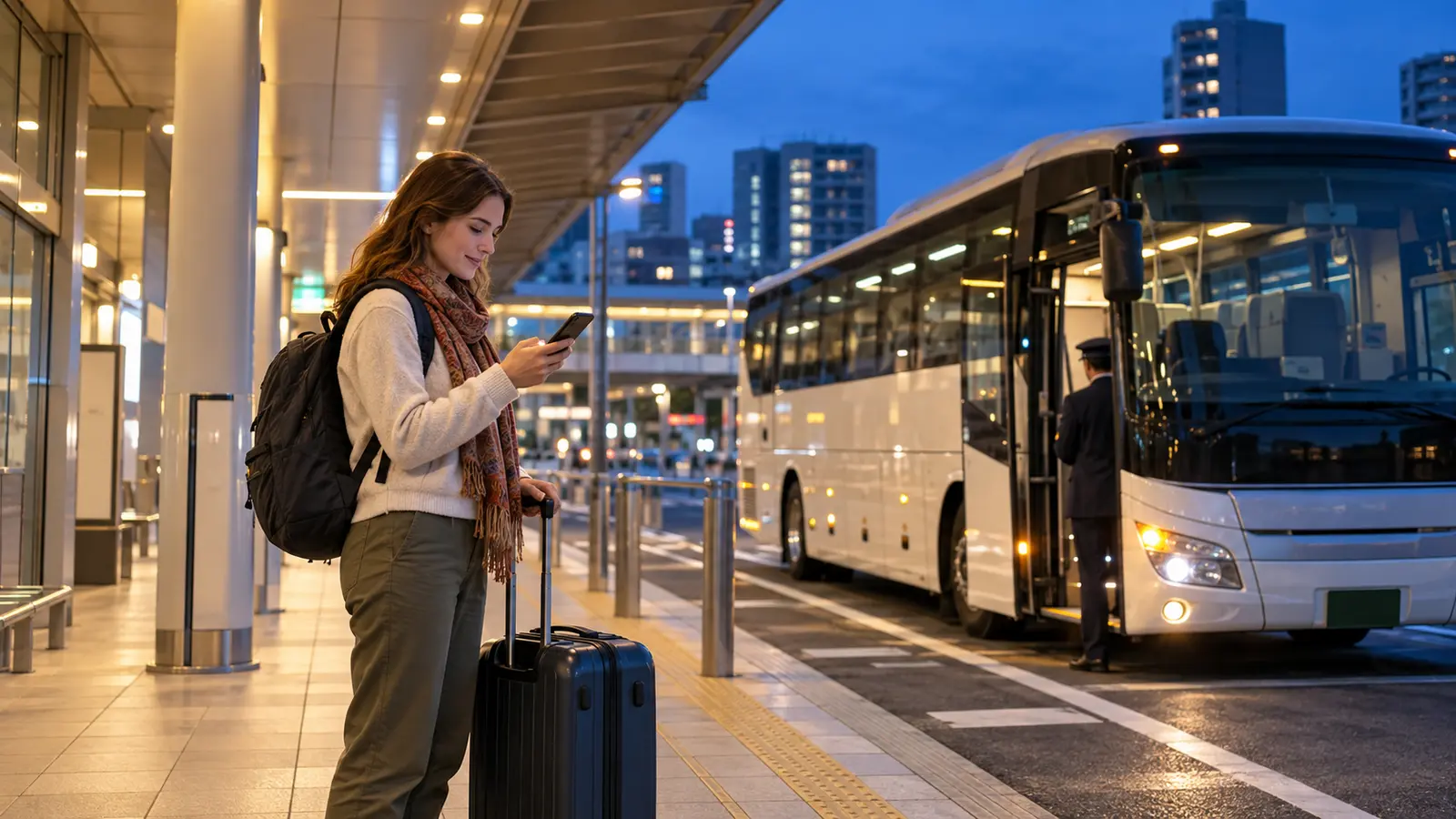
Reach the exact stop early. Japan Bus Online recommends 10 minutes before departure; allow more time at a large terminal or unfamiliar street stop.
- 07
Before leaving accommodation, recheck the service status, platform or bay and weather, and carry a payment method for an alternative if the bus is missed or cancelled.
What to know
Start with the operating route, not a generic bus search
Japan's intercity network includes daytime highway buses, overnight buses, airport buses and sightseeing services run by many companies. JNTO notes that highway buses connect cities with other cities and tourist destinations, but there is no single booking system that contains every operator or applies one set of conditions nationwide.
Use a recognized English booking service such as Japan Bus Online or WILLER when it lists the journey, or book through the operating company's official site. Record both the seller and the operator. The seller manages the reservation and payment process; the operator is normally the authority for service status, the vehicle, boarding location, luggage and lost property.
A price on a search result is not a nationwide fare. The payable amount can change by date, seat or plan, and inventory can sell out. Use the amount and conditions shown in the final official checkout for the exact bus rather than an old blog, screenshot or a fare from another departure.
What to know
Choose the exact boarding and arrival stops
A city can have several highway-bus terminals, railway-station exits and curbside stops with similar names. WILLER warns that stops in the same area may be easy to confuse and that locations can change; its confirmation email and booking page provide the location for the purchased service. Japan Bus Online likewise links stop maps from the booking and e-ticket.
Check the stop before payment, not only on travel day. Confirm the city, terminal, floor or street side, stop or bay name, and the walking route from your railway exit. If the bus leaves at 00:30, also confirm which calendar date the seller treats as the departure date.
At Shinjuku Expressway Bus Terminal, for example, departures use the fourth floor, while arrivals use the third. The terminal is directly connected to JR Shinjuku Station's New South Gate during its opening hours, but other railway exits take longer. This illustrates why 'Shinjuku' alone is not a boarding instruction.
What to know
Complete the reservation in a fixed order
Enter the origin, destination, date and passenger count. Select the bus, then choose the specific boarding and arrival stops. Review the seat or plan, total fare and passenger details before payment. Use an email address that you can open while traveling and enter the passenger name in the format requested by the seller.
Japan Bus Online currently accepts Visa, Mastercard, JCB, American Express and Diners Club International and charges the card when the booking is completed. Its FAQ says cash is not an online reservation method; a counter or driver may sell an available seat on some services, but that is not guaranteed. WILLER publishes different options, including credit card, supported QR payments and Japanese convenience-store payment, subject to the booking and deadlines.
A failed payment screen is not proof that no reservation exists. Check email, the seller's reservation-management page and the card record before trying again. Duplicate bookings can create separate cancellation liabilities. If the status remains unclear, contact the booking service with the attempted time, route and email address.
What to know
Save the correct ticket, not just a booking screenshot
Japan Bus Online sends an e-ticket after successful payment. Its terms allow the e-ticket to be shown on a phone and recommend a printed copy in case the device is lost or damaged. Some routes also offer a separate mobile ticket with a live QR code; Japan Bus Online says screenshots and printouts of that mobile ticket are not valid, so follow the ticket type stated in the reservation.
WILLER EXPRESS uses a QR boarding ticket on supported services and says the reservation confirmation can be printed when a traveler has no smartphone. Other operators can require a confirmation email, paper ticket, reservation number, name or a route-specific credential. Do not assume that one seller's QR instructions apply to another operator.
Save the reservation number and confirmation email separately from the live ticket. Download the stop map and keep the operator contact. A screenshot can be useful evidence, but it does not replace a ticket when the official instruction requires a live QR code or printed e-ticket.
What to know
Arrive early and verify the actual bus
Japan Bus Online recommends arriving at the boarding spot 10 minutes before departure. WILLER states that buses depart on schedule and cannot wait for late passengers. Ten minutes is a minimum planning reference, not a safe connection time from a train: allow a larger buffer for a large terminal, a first visit, luggage, a ticket-counter step or a late-night departure.
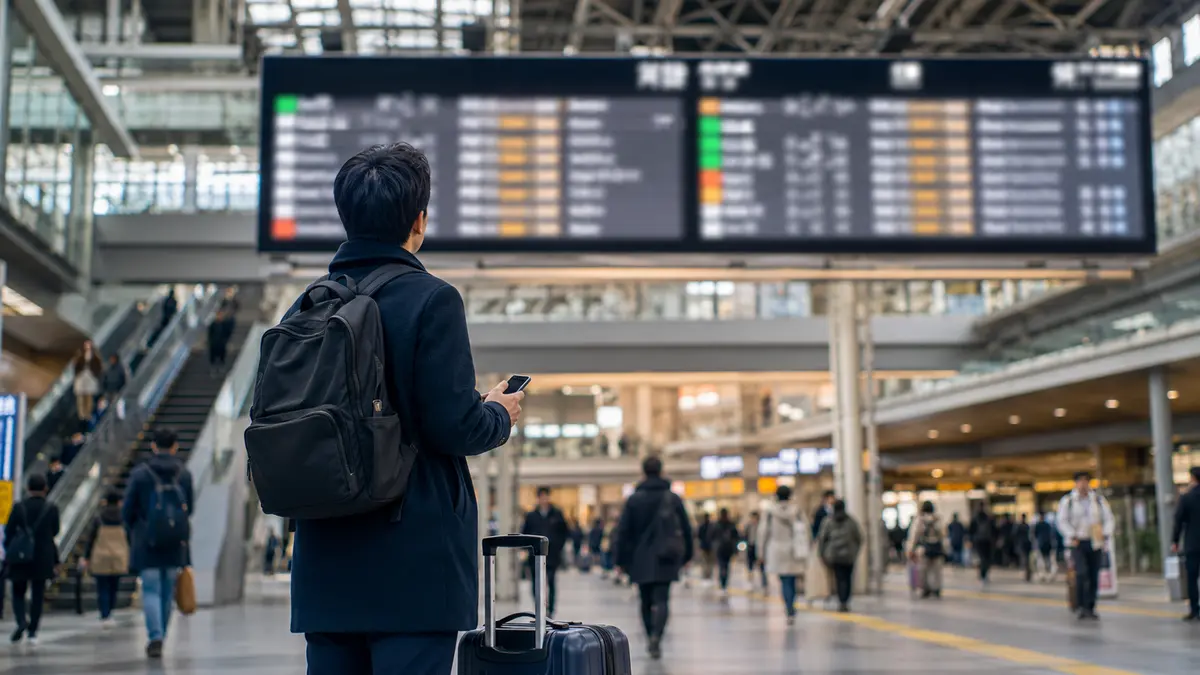
At a terminal, check the departure screen and the bus's destination, service name or number before loading luggage. A platform or bay can be assigned close to departure. At a street stop, stand at the exact map pin and look for the operator's current stop marker rather than waiting across the road.
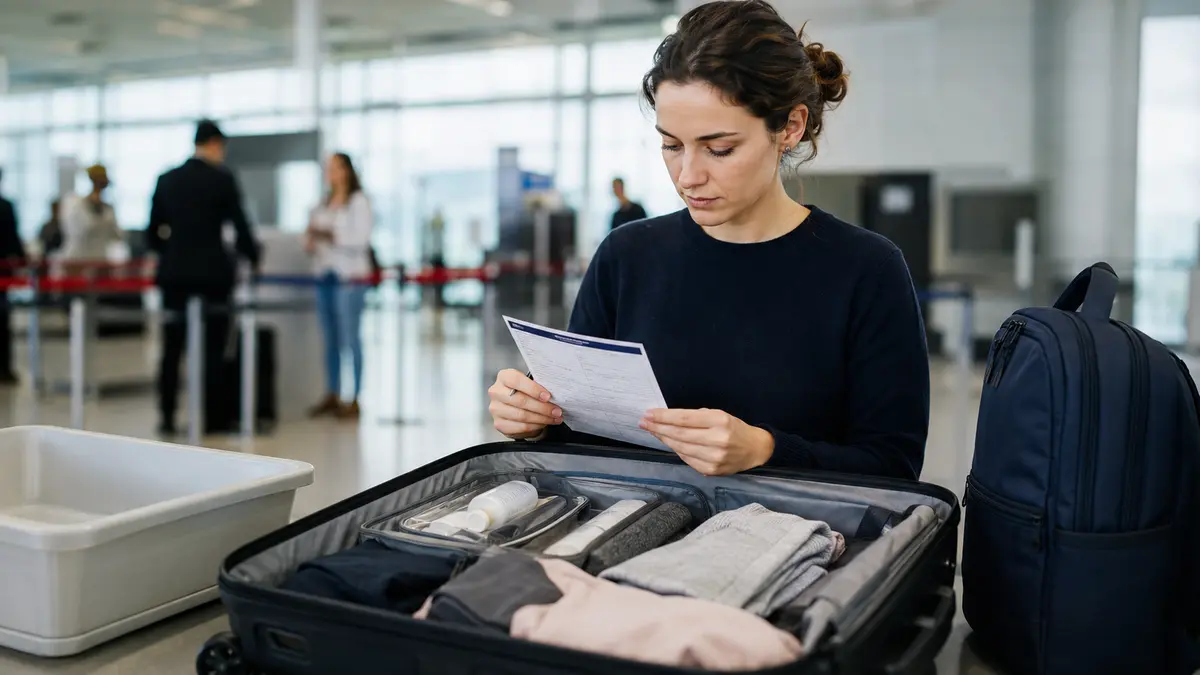
Do not put the ticket, passport, phone, medication, cash, cards, power bank or other valuables in the underfloor luggage compartment. Keep the items needed during the journey in a small bag that meets the operator's cabin rules.
What to know
Check luggage limits for that bus before paying
There is no reliable universal suitcase allowance for Japanese highway buses. WILLER's luggage page lists different limits for different operators and vehicle types, and some services refuse bicycles, surfboards, snowboards, large instruments, pets, dangerous goods, fragile items or valuables. A bus may also have no trunk.
Open the luggage or vehicle information attached to the exact service. Check the number of pieces, combined dimensions, weight, prohibited items and whether advance notice is required. If the official page does not answer the question, ask the operating company before booking; the reservation seller's general FAQ may not control the vehicle.
Forward an oversized suitcase or choose rail when the bus cannot accept it. Do not arrive with an out-of-limit bag expecting the driver to make an exception: the operator may refuse the item or boarding, and cancellation charges can still apply.
What to know
Changes, cancellations and no-shows are route-specific
Open the reservation-management page before the deadline shown for the booking. Japan Bus Online says cancellations can normally be made in Manage My Booking before the specified deadline, with the applicable fee displayed, but some tickets cannot be cancelled online. Its terms say a personal-circumstances refund is not available after the departure time, and its FAQ treats an uncancelled no-show as forfeiting the fare.
A change may be processed as a cancellation and new purchase, or it may be available only for eligible WILLER reservations. A cheaper new seat can disappear before the old booking is released, while cancelling first can lose the original seat. Read the exact sequence and fee shown by the seller instead of improvising two bookings.
If the website will not process a cancellation, contact the seller before departure using the official route stated in the reservation. Keep the timestamp and confirmation. Calling the bus driver or arriving after departure does not preserve a refund deadline.
What to know
Prepare for delays, weather and cancellation
Road traffic, accidents, snow, heavy rain and road closures can delay a highway bus. Do not put a non-changeable flight, last train, attraction entry or international connection immediately after the scheduled arrival. Build a buffer and check the operator's current service-status page before leaving for the stop.
When the operator cancels a bus, follow the seller's refund procedure for that reservation. Do not assume the driver, terminal or another operator can transfer the ticket. WILLER publishes a separate weather-status and refund flow; Japan Bus Online directs travelers to Manage My Booking and its support process under the applicable conditions.
A bus-fare refund does not automatically pay for a replacement train, hotel or flight. Keep an emergency travel budget and identify the nearest railway station or accommodation before a night departure. Travel insurance terms, if any, are separate from the bus ticket.
What to know
Decide whether a highway bus is the right choice
A highway bus can be a direct and economical way to reach destinations without a convenient rail line. A night bus can also replace a daytime travel segment, but sleeping quality, privacy, toilets, charging, Wi-Fi and seat recline vary by vehicle. Treat amenities shown for the exact service as the only reliable promise.
Choose rail or a flight when arrival time is critical, the luggage does not fit, the bus stop is difficult to reach, motion sensitivity makes a long road journey unsuitable or a severe-weather disruption would break the itinerary. Choose the bus when the exact stops, schedule, seat, luggage allowance and fallback all work for the real trip—not only because the headline fare is low.
If that does not work
Use the fallback.
- If the English booking site does not list the route, open the operator's official site or ask an official tourist-information center; do not buy from an unverified look-alike page.
- If the foreign card fails, check whether the reservation exists before retrying. Use another officially accepted card or another official seller for the route; do not enter a false Japanese address or phone number.
- If the e-ticket email is missing, check spam and the reservation-management page, then use the seller's resend or support function before departure.
- If the stop cannot be located, show terminal staff the operator, bus name or number, date, time and stop map. Do not wait at a similarly named stop across the road.
- If the bus is missed, contact the seller or operator immediately, but expect the original fare to be non-refundable after departure. Search the next bus and rail options as a new journey.
- If the bus is cancelled, use the official refund flow and independently arrange the replacement. Keep receipts for any separate insurance claim.
Before you need it
Save this offline.
- Reservation number, passenger name, operator and seller
- Exact departure date, time, stop, floor or bay and stop map
- Valid e-ticket, live mobile ticket or printable confirmation required by that booking
- Cancellation deadline, fee and reservation-management link
- Route-specific luggage limits and prohibited-item rules
- Service-status page, operator contact and a rail or hotel fallback
Frequently asked questions
How to Book Highway and Night Buses in Japan FAQ
Do I need to reserve highway buses in Japan?
Many intercity and night buses are reserved services, and popular departures can sell out. Some routes allow same-day purchase if seats remain, but that is route-specific. Check the operating company and reserve when the exact service requires or offers it.
Can I book a Japanese highway bus with a foreign credit card?
Japan Bus Online lists Visa, Mastercard, JCB, American Express and Diners Club International for immediate web payment. Acceptance and authentication can still fail by issuer or seller. Other services publish their own payment methods, so use the method shown in the official checkout.
Can I use Suica or another IC card for a reserved night bus?
Do not assume so. JNTO notes that some transport, including highway buses, does not accept IC cards. A reserved bus normally requires the ticket or credential stated in the booking; any on-board IC acceptance is route-specific.
How early should I arrive?
Japan Bus Online recommends reaching the boarding point 10 minutes before departure. Allow more time at a large or unfamiliar terminal, when a counter visit is required, or when transferring from rail. Buses generally do not wait for late passengers.
Can I choose my seat?
It depends on the route and seller. Japan Bus Online says its system assigns seats and cannot guarantee that a party will remain together. Other services may offer seat or seat-type selection for some buses. Confirm the exact booking before paying.
Can I bring a large suitcase?
Only if the exact operator and vehicle allow it. Size, weight, piece count and prohibited items vary, and some buses have no trunk. Check the route-specific luggage page before purchase and forward the bag when it exceeds the limit.
What happens if I miss the bus?
A late passenger is normally treated as a no-show. Japan Bus Online says an uncancelled no-show forfeits the associated payment. Contact the seller or operator, then purchase the next available bus or rail journey; do not assume the original ticket can be moved.
Primary evidence
Official sources used
Open these pages again before travel. External links lead to the responsible Japanese authority or transport organization.