Do this now
Follow these steps in order.
- 01
Open the restaurant's official website, verify the exact branch and address, and follow its current reservation button rather than an old search-result link.
- 02
Choose the date, Japan Standard Time, party size, children, seating or course, then read every price, tax, service-charge, card and cancellation condition shown for that choice.
- 03
Enter your real name, an email you can open in Japan and your real overseas mobile number with the country code when the form permits it; do not create a fake local number.
- 04
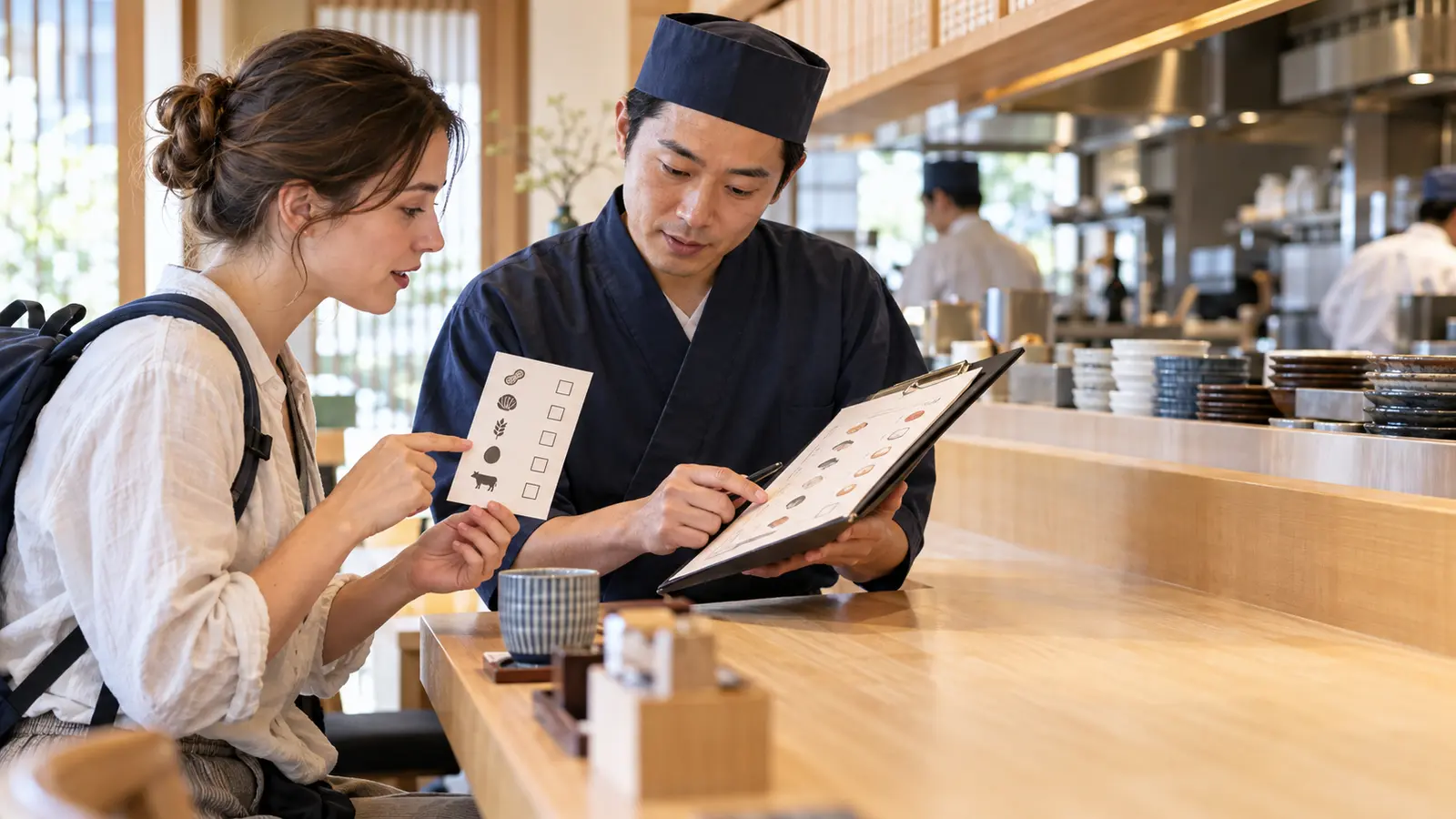
Submit allergy, accessibility or celebration notes only as requests. Contact the restaurant directly when acceptance is essential, because a note box is not confirmation.
- 05
Complete any 3-D Secure check or card authorization once, then wait for the final confirmation page before retrying a slow or failed screen.
- 06
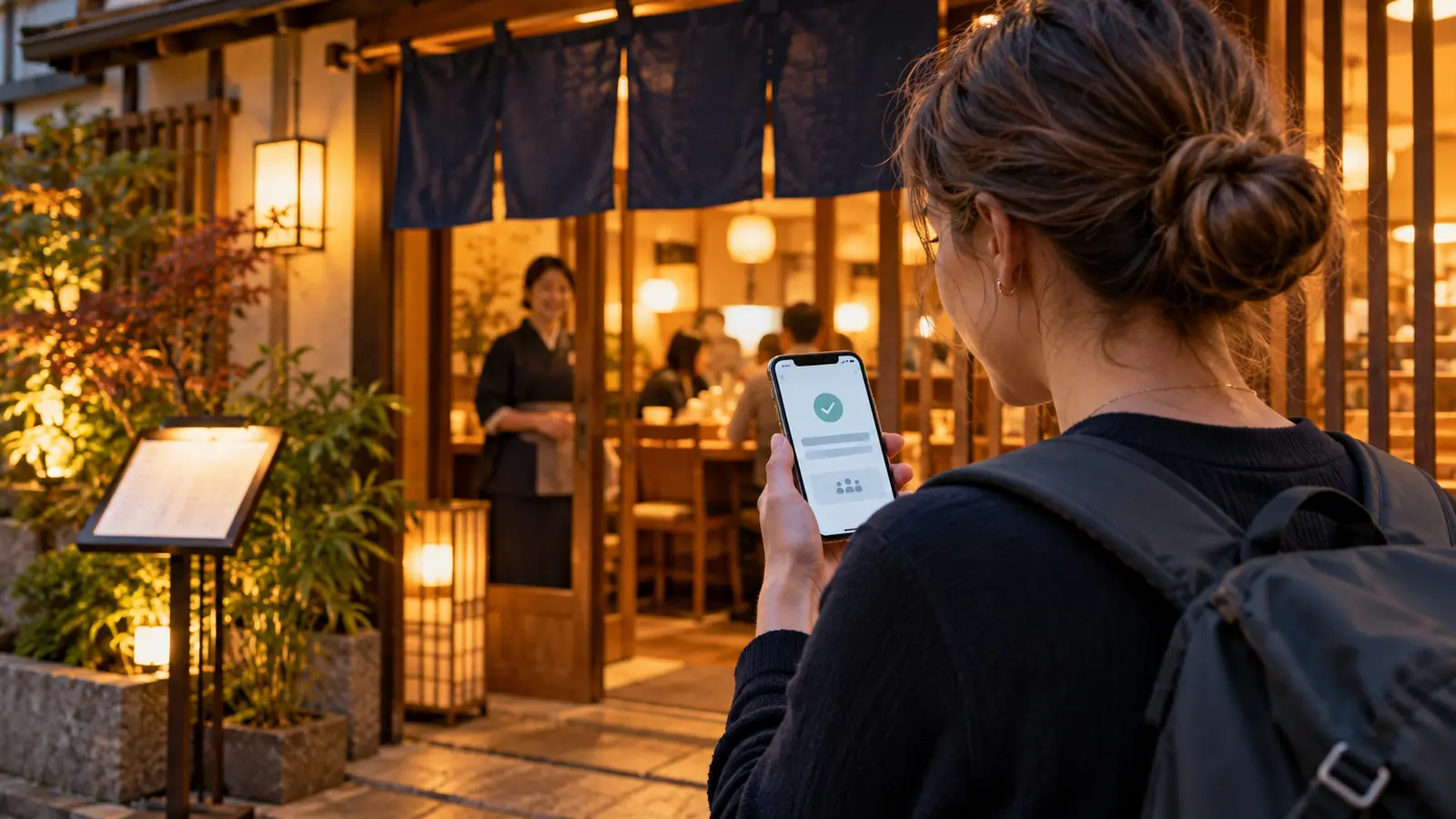
Confirm that the email, SMS or account shows the correct restaurant, branch, date, time, guest count, status and reservation ID; save those details offline.
- 07
Recheck the address, access, opening notice and cancellation deadline before the meal, and contact the restaurant immediately if you will be late or need a change.
What to know
A Japanese phone number is a restaurant-specific condition
Japan does not have one national restaurant-reservation form or one phone-number rule. A restaurant may accept an overseas number, use an English booking partner, require telephone confirmation, restrict online booking to particular courses, or accept walk-ins only. The live booking page for the exact branch controls the reservation.
Use a real number that you can monitor and include the international country code when the form supports it. A travel eSIM may be data-only and may not provide a Japanese number. Do not enter a fabricated number, and do not use a hotel's number unless the hotel has explicitly agreed: the restaurant may need to identify you after a schedule change or missed arrival.
If the form rejects a valid international format, that is a limitation of that route, not permission to bypass it. Look for the restaurant's official email or contact form, an international-guest booking link, or another restaurant whose official system accepts your details.
What to know
Choose the booking route in a safe order
Begin on the restaurant's own website or verified social profile and identify the exact branch. Follow the reservation link it publishes. JNTO's restaurant-search page links to English search services, while services such as TableCheck, Rakuten Gurunavi and OMAKASE cover different restaurants; none is a complete national inventory.
A booking platform can manage the form and payment, but the restaurant normally controls availability, seating, courses, lateness and cancellation policy. Record both the restaurant and the service used. Do not assume that customer support can change the restaurant's decision or contact the venue on your behalf.
For a casual restaurant with no online route, an official phone number, email or walk-in visit may be the only option. A hotel concierge may help when that service is offered, but ask who will receive the confirmation and who is responsible for changes or cancellation fees.
What to know
Check every field before the final button
Match the branch name, Japanese address and map pin before entering a date. Then verify Japan Standard Time, guest count, whether infants or children count, table or counter seating, course name and duration. A same-name restaurant in another district is a different reservation.
Read the final price rather than a search-page headline. Check tax, service charge, compulsory course, drink requirement, reservation fee, deposit or prepayment, and whether the card is only authorized or actually charged. Rules can differ by date, menu and party size.
Dietary and accessibility notes are requests unless the restaurant confirms them. State the ingredient or need clearly and contact the restaurant through its official route when safety depends on the answer. Do not treat an automated reservation confirmation as proof that an allergy request was accepted.
What to know
Know what proves that the table is confirmed
A spinning payment page, card alert or 'request received' message does not always mean the reservation is confirmed. Look for the final status, restaurant and branch, date and time, guest count, plan or course, payment summary and a reservation ID. TableCheck's official help says these details appear on the confirmation page and in the confirmation email for completed bookings.
If no email arrives, check spam, the booking account or My Page, SMS if offered, and the card record before submitting again. Save the reservation ID and compare it with any second message. Repeating checkout blindly can create duplicate reservations, each with its own cancellation liability.
Keep the confirmation offline as a screenshot or PDF, but use the live account when the service requires a live change or cancellation action. A screenshot is evidence of what was shown; it is not a substitute for an official cancellation.
What to know
Handle foreign-card and 3-D Secure errors without duplicating the booking
A restaurant system may request a card to guarantee the table, prepay a course or collect a reservation fee. TableCheck says card errors can involve incomplete information, international or high-value transaction blocks, browser or network problems, and 3-D Secure authentication. The issuer—not the restaurant—may be the party declining the transaction.
When checkout fails, first check whether a confirmation already exists. Then verify the card details, billing information, issuer alert and 3-D Secure step; retry in a supported browser or reliable network only after the reservation status is clear. Contact the card issuer or use another card that you are authorized to use when the decline continues.
A temporary card authorization can look like a charge. Do not promise yourself that every pending amount will disappear on the same schedule: ask the booking service, restaurant or issuer which transaction occurred and retain the reservation ID and payment record.
What to know
Changes, cancellations and no-shows follow the displayed policy
Open the confirmation email or account first. A Change or Cancel button may be available, but TableCheck notes that the restaurant decides whether online changes are allowed. Some card-backed reservations must be cancelled and rebooked; do not do this until a replacement table is available and the fee consequence is clear.
Read the cancellation deadline in Japan time and the percentage or fixed fee shown for the chosen reservation. Rakuten Gurunavi likewise tells diners to check the cancellation policy attached to the course reservation. A no-show is not a cancellation and may trigger the restaurant's published charge.
If you accidentally created two reservations, compare the reservation IDs, cancel the unwanted one through its official route and keep the cancellation confirmation. If online cancellation is unavailable, contact the restaurant promptly; silence or an unanswered message does not automatically waive the policy.
What to know
Use a clear fallback when the restaurant cannot be reached
Check the restaurant's business hours and time zone before deciding that a phone call failed. Try again while it is open, then look for the official website's email, contact form or verified social account. Use the contact details in the confirmation rather than a number copied from an old directory.
TableCheck's official guidance says its diner support cannot contact a restaurant on a guest's behalf. Platform support can help with the platform, but restaurant-specific questions, menu acceptance, lateness and many changes still require the venue.
If contact is essential and no verified route works, ask your accommodation whether staff can assist, visit earlier when practical, or choose another restaurant. Keep timestamps and screenshots of attempts, but do not represent them as a confirmed change or cancellation.
What to know
Arrive with the branch, status and policy saved offline
Save the restaurant's Japanese name, branch, street address, floor, map pin and official phone number. Buildings can contain several restaurants, and Romanized names can be similar. Plan the route to the actual entrance rather than only the nearest station.
Bring the confirmation email or account page, reservation ID, guest name, course and payment record. Arrive at the time the restaurant requests. If a delay becomes likely, use the official contact immediately; whether a table is held and whether a fee applies are restaurant-specific.
At check-in, show the reservation name and ID without handing staff a fabricated phone number. If the restaurant cannot find the booking, calmly compare the branch, date, time and status, then show the confirmation and payment record.
If that does not work
Use the fallback.
- If the form rejects an overseas number, recheck the country code and format, then use the restaurant's official alternate contact, an international-guest link, a consenting hotel concierge or another restaurant; never invent a local number.
- If no confirmation arrives, check spam, SMS, the booking account, reservation ID and card record before retrying so that you do not create a duplicate.
- If the card fails, complete any issuer or 3-D Secure step, try a supported browser or network, contact the issuer or use another authorized card only after confirming that no reservation was created.
- If the preferred time is unavailable, change the date, time, party size or course only through options the official page offers; use a waitlist only when the restaurant publishes one.
- If online change or cancellation is unavailable, contact the restaurant through the details in the confirmation and keep a record of the attempt; the displayed fee policy may still apply.
- If you are running late, contact the venue immediately and prepare another meal option; do not assume the table will be held.
Before you need it
Save this offline.
- Restaurant name, exact branch, Japanese address, floor and map pin
- Date and time in Japan Standard Time, party size, children, seating and course
- Confirmed status, reservation ID, guest name and booking-service account
- Total price, prepayment or card authorization, reservation fee and cancellation deadline
- Restaurant's official contact details and any confirmed dietary or accessibility response
- Screenshots or PDF of the confirmation, payment record and route to the entrance
Frequently asked questions
How to Book Restaurants in Japan Without a Japanese Phone Number FAQ
Do I need a Japanese phone number to reserve a restaurant in Japan?
Not universally. Each restaurant and booking route chooses its required fields. Use your real overseas number with the country code when accepted, and switch to an official contact or international-guest route when it is not.
Can I use my hotel's phone number?
Only when the hotel explicitly agrees and knows the reservation details. Otherwise the restaurant cannot reliably identify or reach you. Your own reachable number or an agreed concierge booking is safer than copying the hotel number.
My card shows a transaction but I received no email. Should I book again?
Not yet. Check the final status, spam, SMS, the booking account and reservation ID. The transaction may be an authorization, payment or failed attempt. Contact the service, restaurant or card issuer before risking a duplicate.
Does 'request received' mean the table is confirmed?
Not necessarily. Read the exact status and wait for the confirmation the restaurant or service says completes the booking. A confirmed page or email should identify the restaurant, date, time, party and reservation ID.
Can I cancel by simply not showing up?
No. Use the official cancellation route. A no-show can trigger the restaurant's published fee, and an unanswered message does not automatically cancel the booking.
Can a hotel concierge make the reservation for me?
Some hotels offer this service, but it is not guaranteed. Ask who receives the confirmation, what contact details will be used and who must handle changes, lateness or cancellation fees.
Should I reserve every meal before traveling?
No. Reserve meals where a specific restaurant, small counter, fixed course or popular time matters, and keep casual meals flexible. JNTO recommends planning ahead for reservations but not every restaurant uses advance booking.
Primary evidence
Official sources used
Open these pages again before travel. External links lead to the responsible Japanese authority or transport organization.